
How to Rewrite Supplier Product Descriptions (Steps)
Copied supplier text won't get your store penalized, but it won't rank or sell either. Here's a step-by-step way to rewrite it and check the specs.
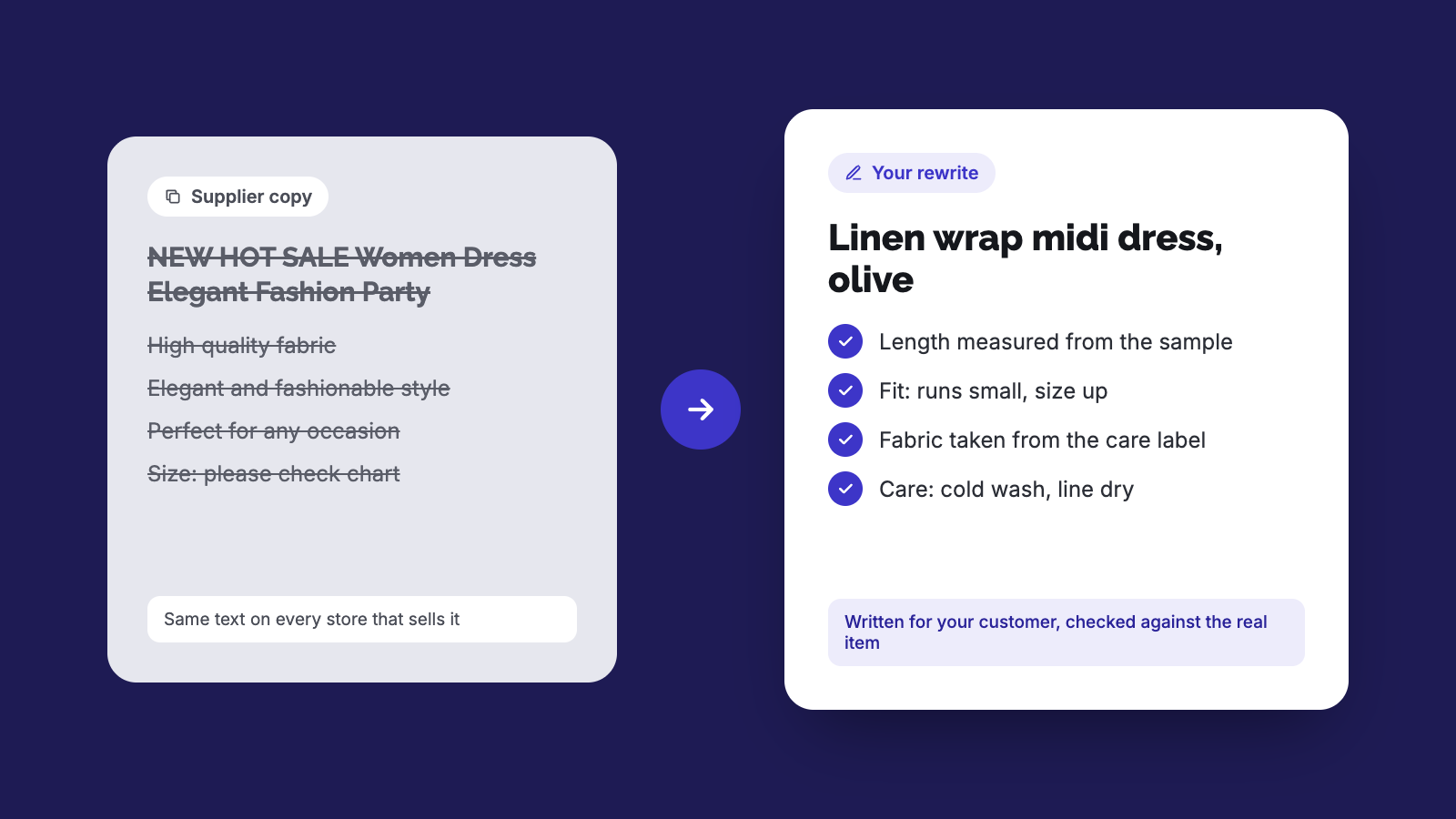
- Google doesn't penalize copied supplier descriptions, but it has no reason to rank your copy over every other store's.
- Keep only the specs you've checked against a sample or label, and drop the rest.
- Write around what customers need to decide: fit, fabric, size, care and who it suits.
- AI can draft the rewrite from your facts, but fact-check every output before it goes live.
To rewrite a supplier product description, keep only the specs you've checked, delete the rest, and write new copy around what your customer needs to decide: fit, fabric, size, care and who it suits. Check every claim against the sample or the spec sheet. AI can draft it, but you fact-check before it goes live.
If you buy wholesale or dropship, the supplier's paragraph is the fastest way to get a product live. It's also the same paragraph sitting on every other store that sells that item. This post covers what Google says about that, which products to fix first, and a rewrite process you can run on a whole catalog.
Will copying the supplier's description get my store penalized?
No. Google's SEO Starter Guide says duplicate content "is not a violation of our spam policies" and "not something that will cause a manual action." Its canonicalization docs say the same.
That doesn't mean the copied text is fine. When Google finds duplicate pages, it groups them and picks one to show, choosing the page it sees as "the most complete and useful for search users" (Google). That doc is mostly about duplicates within one site, but I'd expect the same logic to work against you across sites: if your page says exactly what 40 other stores say, it gives Google no reason to pick yours. Google's helpful content questions ask whether a page avoids "simply copying or rewriting" its sources and adds "substantial value" compared with other results.
So you won't be punished for copied text. Your page just has nothing that would make it rank.
Why rewrite if there's no penalty?
Supplier copy is written to sell the item to you, the retailer, or it's a rough translation. It tends to list features in the wrong order, leave out fit, and include claims you can't stand behind. Merchants in Shopify Community threads point out a second problem: when every store has the same words and photos, shoppers compare on price and trust, and the cheapest or most familiar store usually wins.
The description is also where your customer's questions get answered before they turn into emails or returns.
How do I rewrite supplier product descriptions, step by step?
Pick the products that matter first. Start with best-sellers and anything you're running ads to. A Shopify Community reply suggests ranking products by value (ABC analysis) and working from the top (thread).
Check how widely the text is copied. Paste one distinctive sentence into Google inside quote marks. If dozens of stores show up, that product is a priority.
Pull out the facts and drop the rest. Copy material, measurements, weight, closures, care and country of origin into a plain list. Throw away the adjectives.
Check the facts against a real sample. Measure the garment flat, check the fabric label, try the clasp, wash it once if you can. Supplier specs are often wrong on length, stretch and plating. If you dropship and can't hold the item, order one of your best-sellers. [ASH: add something you found was wrong when a sample arrived]
List the questions your customers ask. Go through your inbox, DMs, reviews and return reasons. Typical ones: does it run small, is it see-through, will it tarnish, can it go in the dryer.
Write the new description. One or two sentences on what it is and who it's for, then the details in short lines, then a fit block (model height and size worn, or measurements), then care. Use the words your customers use, not the supplier's.
Rewrite the title, SEO title, meta description and image alt text too. These are usually copied from the supplier as well.
Read it once more against your fact list before publishing. Anything you can't confirm comes out.
What should change between the supplier version and yours?
Part of the listing | Typical supplier version | Your rewrite |
|---|---|---|
Product title | Keyword-stuffed, includes the year and "new hot sale" | What it is, plus the detail people search for ("Linen wrap midi dress, olive") |
Opening line | Generic praise ("elegant and fashionable") | Who it's for and when they'd wear it |
Specs | Unchecked, sometimes in cm only | Measured from your sample, in your customers' units |
Fit | Missing or a generic size chart | Model height and size worn, or how it runs |
Material | "High quality fabric" | Fibre content from the label, plus how it feels |
Care | Missing | From the care label |
Claims | "Waterproof", "hypoallergenic", "never fades" | Only what you can back up |
SEO title and meta | Copied or blank | Written per product |
Can I use AI to rewrite supplier descriptions?
Yes, with two conditions. First, give the tool your checked facts and customer questions, not the supplier's paragraph. If you feed it the supplier text, you get a reworded version of the same unchecked claims. Second, read every output before it goes live.
Google's guidance on generative AI content says using AI to "generate many pages without adding value for users may violate" its scaled content abuse policy, and that it's "critical to manually factcheck and review all AI-generated content." The same page says AI-generated product titles and descriptions sent to Google Merchant Center must be labeled as AI-generated, so check your feed settings if you run Shopping ads. Shopify's own help page for Shopify Magic descriptions warns that generated text can include benefits you never listed and facts pulled from similar products, and that you're responsible for accuracy.
How many products should I rewrite by hand?
There's no fixed number. One merchant in the Shopify Community thread suggested writing each one carefully up to about 100 products and automating past that. I'd do the top 20 to 30 by hand so you learn what your customers ask, then use those as the template for an AI-assisted pass on the rest, still checking each one.
Checklist before you publish a rewritten description
No sentence matches the supplier text word for word
Every measurement and material checked against a sample or label
Fit or sizing info included
Care instructions included
No claim you can't support (waterproof, hypoallergenic, 18k)
Title, SEO title, meta description and alt text rewritten
Written in the tone that fits your store, not a general catalog
Doing this faster
We built MerchantFloor for this kind of catalog cleanup. You give it the product and your notes, and it drafts the description, SEO fields and ad copy, and can also replace supplier photos with your own product shots or on-model images. If you're on Shopify, the app publishes straight to your products. If you sell somewhere else, use the download option and paste the copy and images wherever you need them. You still check the facts, same as with any tool.
Frequently Asked Questions
Share this article
Related Articles
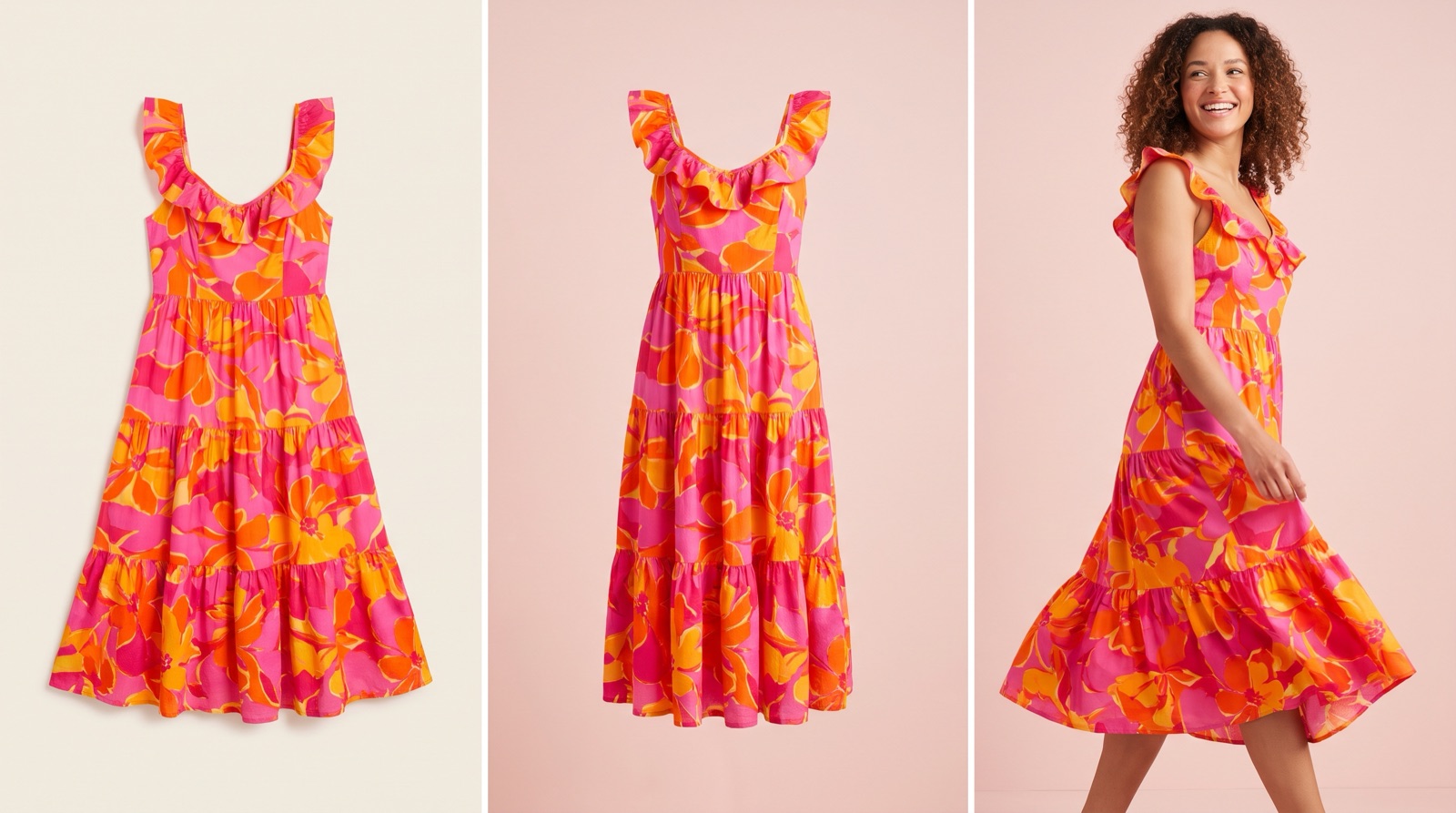
Flat Lay vs Ghost Mannequin vs On-Model: Which to Use
Which photo format should a small clothing or jewelry brand use? What flat lay, ghost mannequin and on-model photos show, what they cost and where AI fits.
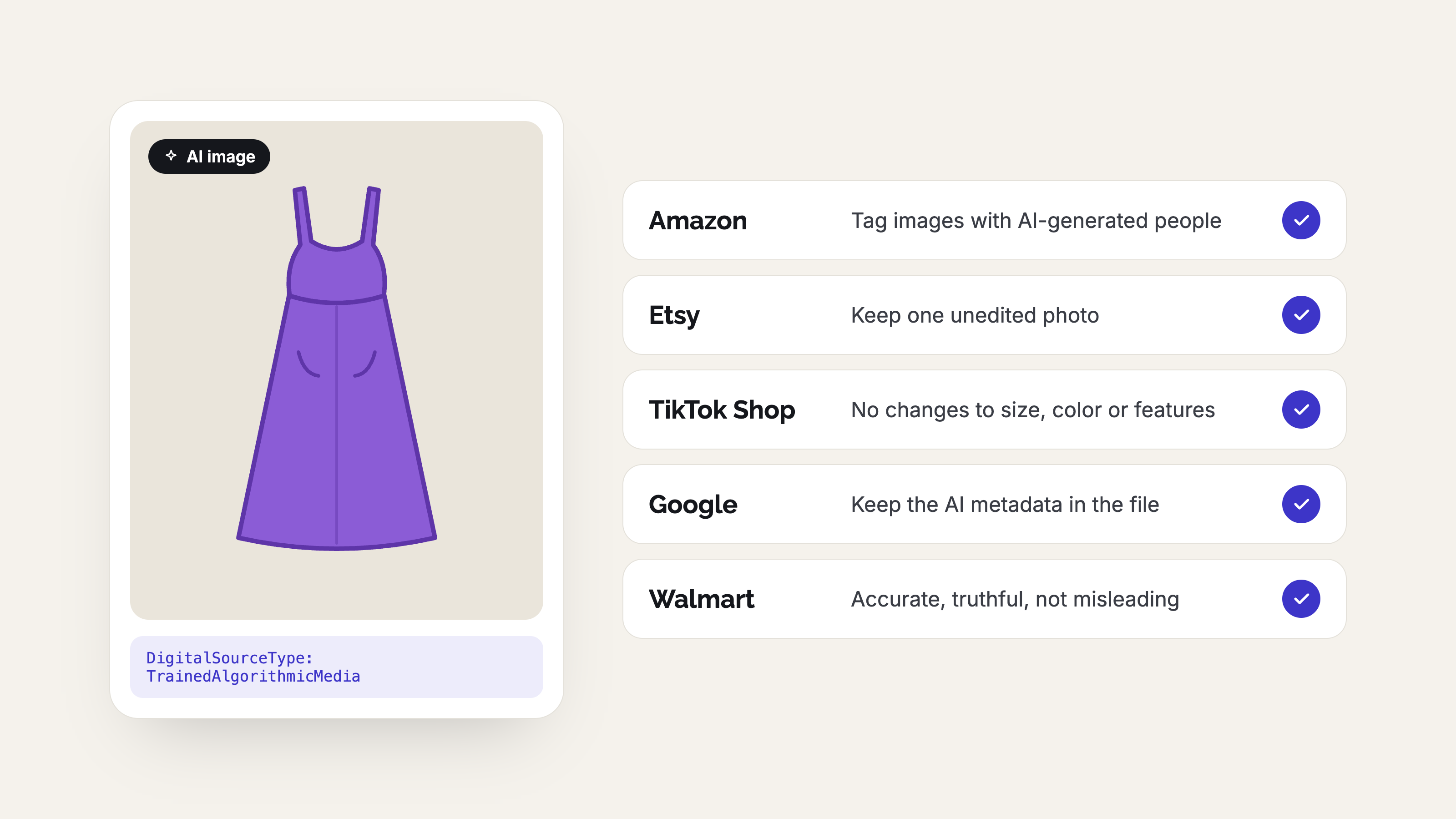
AI Product Photo Rules for Every Marketplace (2026)
No major marketplace bans AI product photos, but each has its own rules on accuracy, labels and metadata. See what Amazon, Etsy, eBay, Walmart, TikTok Shop, Google, Meta, Pinterest and Shopify expect before you list.
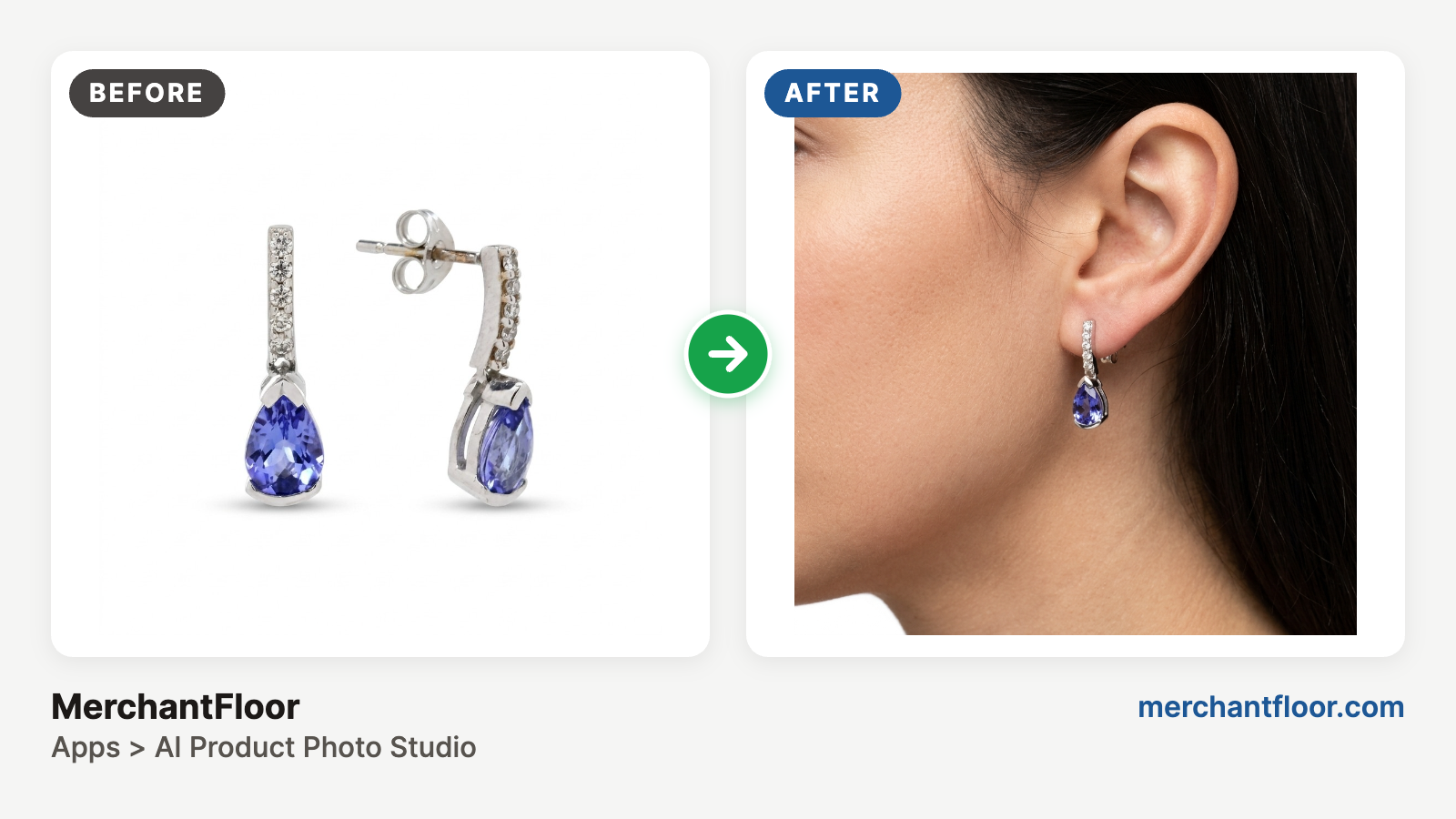
AI + Your phone: Jewelry product photos on a budget
Jewelry is the hardest product to photograph: glare, reflections, blur and dust. Learn a simple phone-plus-AI workflow for clean product shots and on-model photos without a studio.