
Flat Lay vs Ghost Mannequin vs On-Model: Which to Use
Which photo format should a small clothing or jewelry brand use? What flat lay, ghost mannequin and on-model photos show, what they cost and where AI fits.
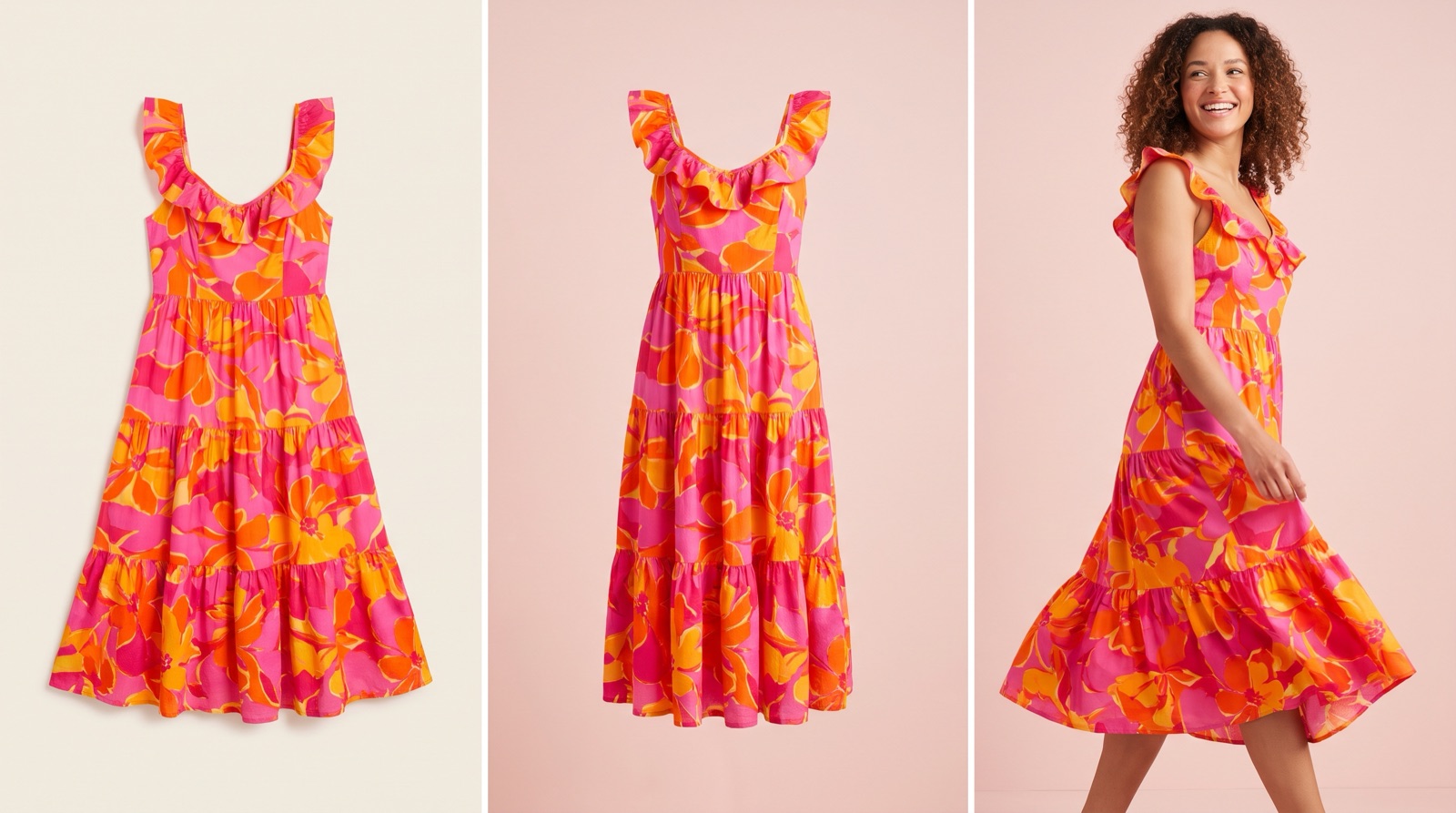
- Use on-model photos for anything sold on fit or scale: dresses, fitted pieces, jeans and jewelry.
- Baymard found shoppers struggle to judge fit and length without a person in the photo.
- AI can turn flat lays into on-model images, but check every output against the real item.
For most small clothing and jewelry brands, use on-model photos for anything where fit or scale matters, and flat lay or ghost mannequin for supporting shots and simple basics. Usability testing by Baymard found shoppers struggle to judge fit and size without a person in the photo.
What's the difference between flat lay, ghost mannequin and on-model photos?
Flat lay: the garment laid flat and shot from above. Shows color, print and outline. Needs a table, light and a steady camera.
Ghost mannequin: the garment shot on a mannequin, then the mannequin is edited out so the piece looks worn by an invisible body. Shows shape and structure. Needs a mannequin and editing, usually more than one shot per image.
On-model: a person wearing the item. Shows fit, length, drape and scale. Needs a model, or an AI-generated model image built from your product photo.
How do the three formats compare?
Flat lay | Ghost mannequin | On-model | |
|---|---|---|---|
Shows fit and length | Poorly | Partly (shape, not how it sits on a body) | Yes |
Shows scale (jewelry, bags) | No | No | Yes |
Setup | Table, light, camera | Mannequin plus editing | Model, location or studio, editing |
Rough cost per product (source) | $10 to $30 (flat lay or mannequin) | $10 to $30 (flat lay or mannequin) | $100 to $500+ for a model shoot |
Consistency across a catalog | Easy | Easy once set up | Harder (different models, lighting, poses) |
Best for | Tees, basics, kids' clothes, accessories as a detail shot | Structured items: blazers, coats, shirts, swimwear | Dresses, fitted pieces, jeans, jewelry, anything sold on fit |
The cost figures are based on a Shopify Community reply, not a survey, so treat them as a rough range in the US.
Which format converts better?
Baymard Institute found that without a person in the photo, test users couldn't judge length or tightness, sometimes mistook who the product was for, and lost confidence. Their recommendations: show at least one unstyled image on a model, state the model's measurements and size worn, and treat mannequins as a fallback because users judged cheap-looking ones harshly. In separate research, Baymard found 42% of users try to judge a product's size from its images, which matters a lot for jewelry.
If a shopper's main doubt is "will this fit me" or "how big is this," an on-model image answers it and the other formats don't. Test it on your own store before redoing everything. [ASH: add what you saw when you added or removed model shots in your store]
How do I choose a format for each product?
What are shoppers unsure about? Fit or length: on-model. Shape and structure: ghost mannequin or on-model. Print or color only: flat lay works.
Look at your return reasons. If "too small" or "not as expected" shows up for a product, it needs on-model images and a fit note first.
Put on-model on your best-sellers and new arrivals. That's where most of your traffic lands.
Use flat lay or ghost mannequin for the rest of the image set. Back view, detail of fabric or clasp, and a clean shot for marketplaces and Google Shopping.
Keep one style per collection page. Mixing a flat lay next to an on-model shot in the same grid makes the cheaper one look worse.
For jewelry, the on-model shot is the scale shot: earrings on an ear, a ring on a hand, a necklace showing where it falls. A flat lay of a necklace tells the shopper almost nothing about length.
Can I turn flat lays into on-model photos with AI?
Yes, and for a small brand that can't book a shoot per drop, it's the cheapest way to get on-model images. Check every output against the real product: color, length, neckline, hardware, logos and print placement. If the AI changes the hemline, you've created the exact fit problem the photo was meant to solve. Baymard's 2020 research called virtual models a last resort; AI image quality has changed a lot since then, but the point that the image has to match the real item still stands.
Two platform rules to know. Google's image_link requirements say AI-generated images must carry metadata identifying them as AI-generated, and you shouldn't strip the IPTC DigitalSourceType field. For Google's apparel virtual try-on, Google accepts a garment on a model, on a mannequin or laid flat, with one garment, a simple front-facing pose and no hands or accessories covering it.
What should a full image set for one product include?
One unstyled on-model front shot (hero image)
On-model back or side view
A close-up of fabric, print, clasp or stone
A flat lay or ghost mannequin shot on a plain background (useful for Google Shopping and marketplaces)
A scale shot for jewelry and accessories
Text under the images: model height and size worn
One variant per image, no promo text on the main image (Google)
Getting on-model images without a shoot
We built MerchantFloor so small brands can do this from the photos they already have. You upload a flat lay or product shot and pick a preset scene, type a prompt, or add a reference image, and it generates on-model and lifestyle images, plus the description to go with them. On Shopify, the app publishes the images straight to your products. If you sell elsewhere, download the files and use them on your other storefront, marketplaces, social or ads. Check each image against the real item before it goes live.
Frequently Asked Questions
Share this article
Related Articles
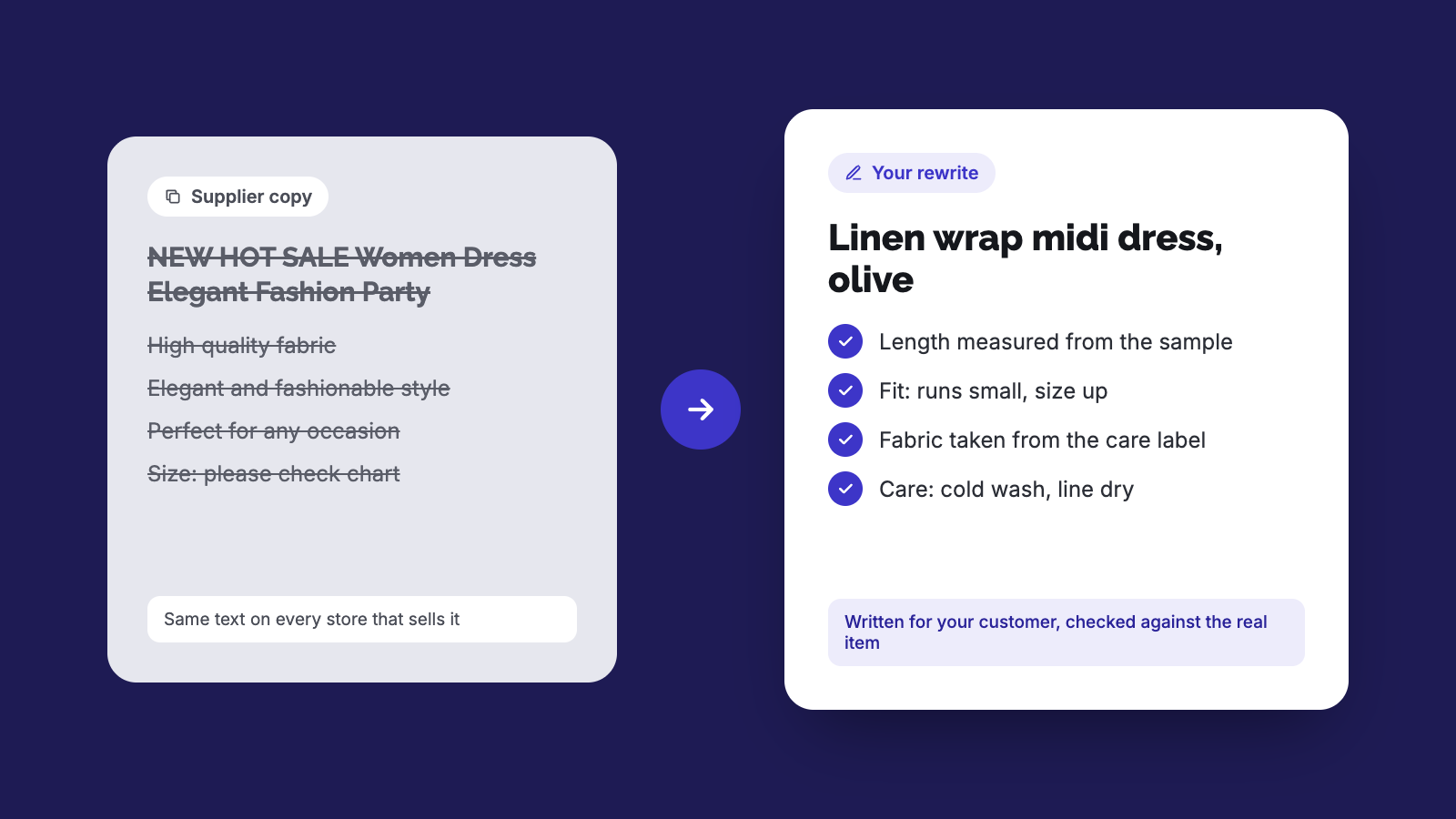
How to Rewrite Supplier Product Descriptions (Steps)
Copied supplier text won't get your store penalized, but it won't rank or sell either. Here's a step-by-step way to rewrite it and check the specs.
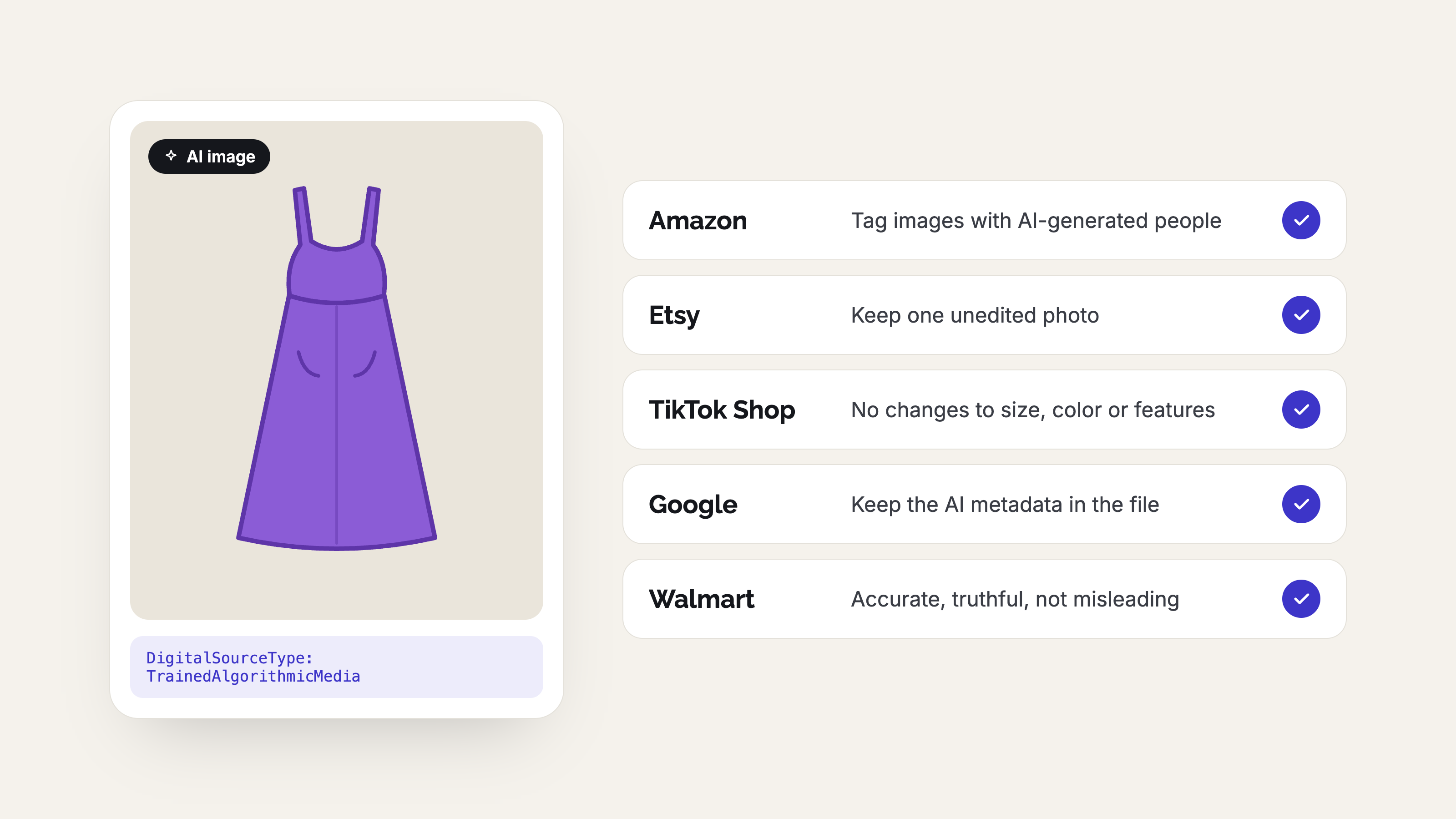
AI Product Photo Rules for Every Marketplace (2026)
No major marketplace bans AI product photos, but each has its own rules on accuracy, labels and metadata. See what Amazon, Etsy, eBay, Walmart, TikTok Shop, Google, Meta, Pinterest and Shopify expect before you list.
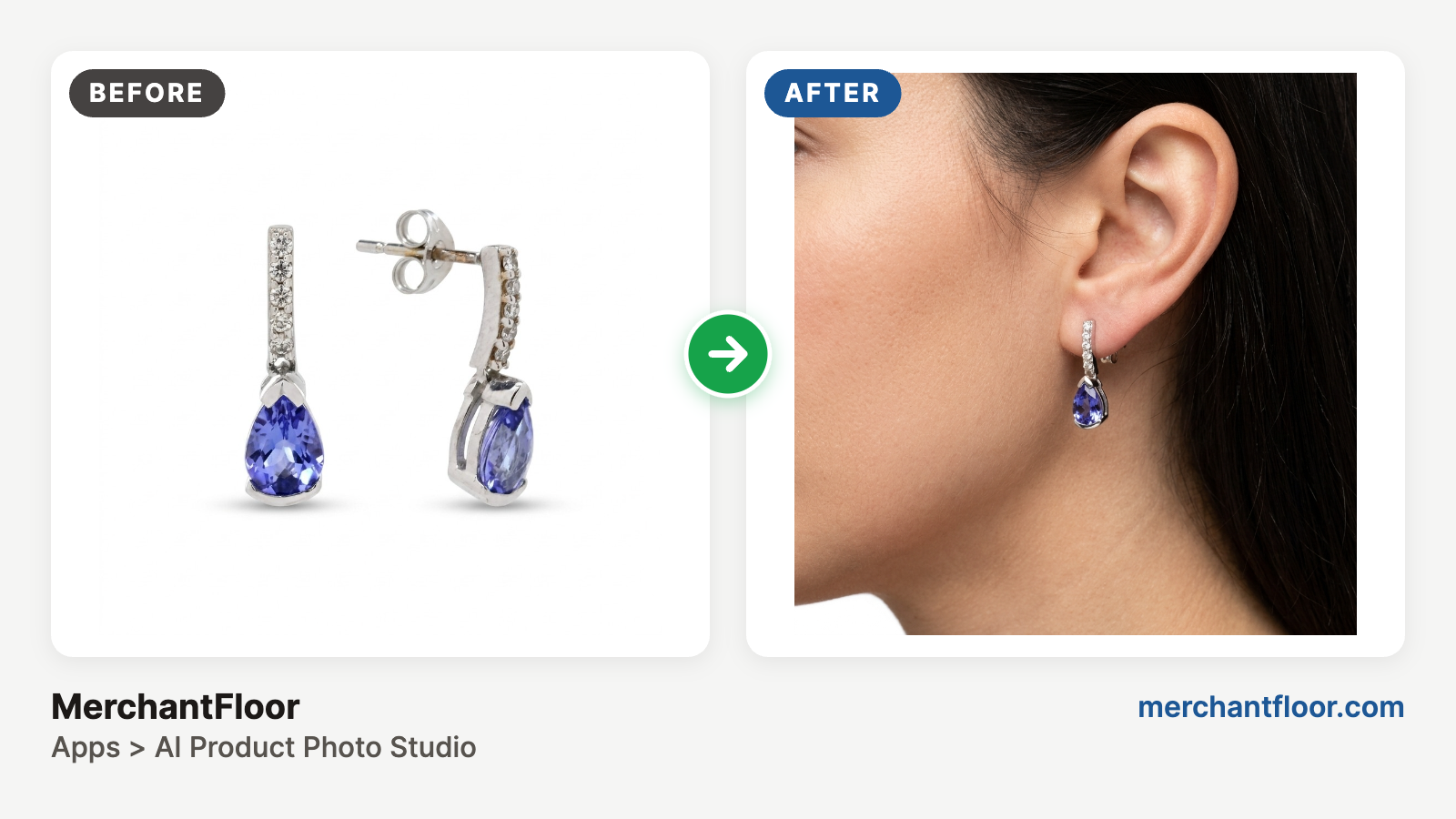
AI + Your phone: Jewelry product photos on a budget
Jewelry is the hardest product to photograph: glare, reflections, blur and dust. Learn a simple phone-plus-AI workflow for clean product shots and on-model photos without a studio.