
How to Write Alt Text for Product Images (Shopify)
One clear sentence per photo: what the product is and what the image shows. Here's a simple alt text formula, clothing and jewelry examples, and how to add it in Shopify.
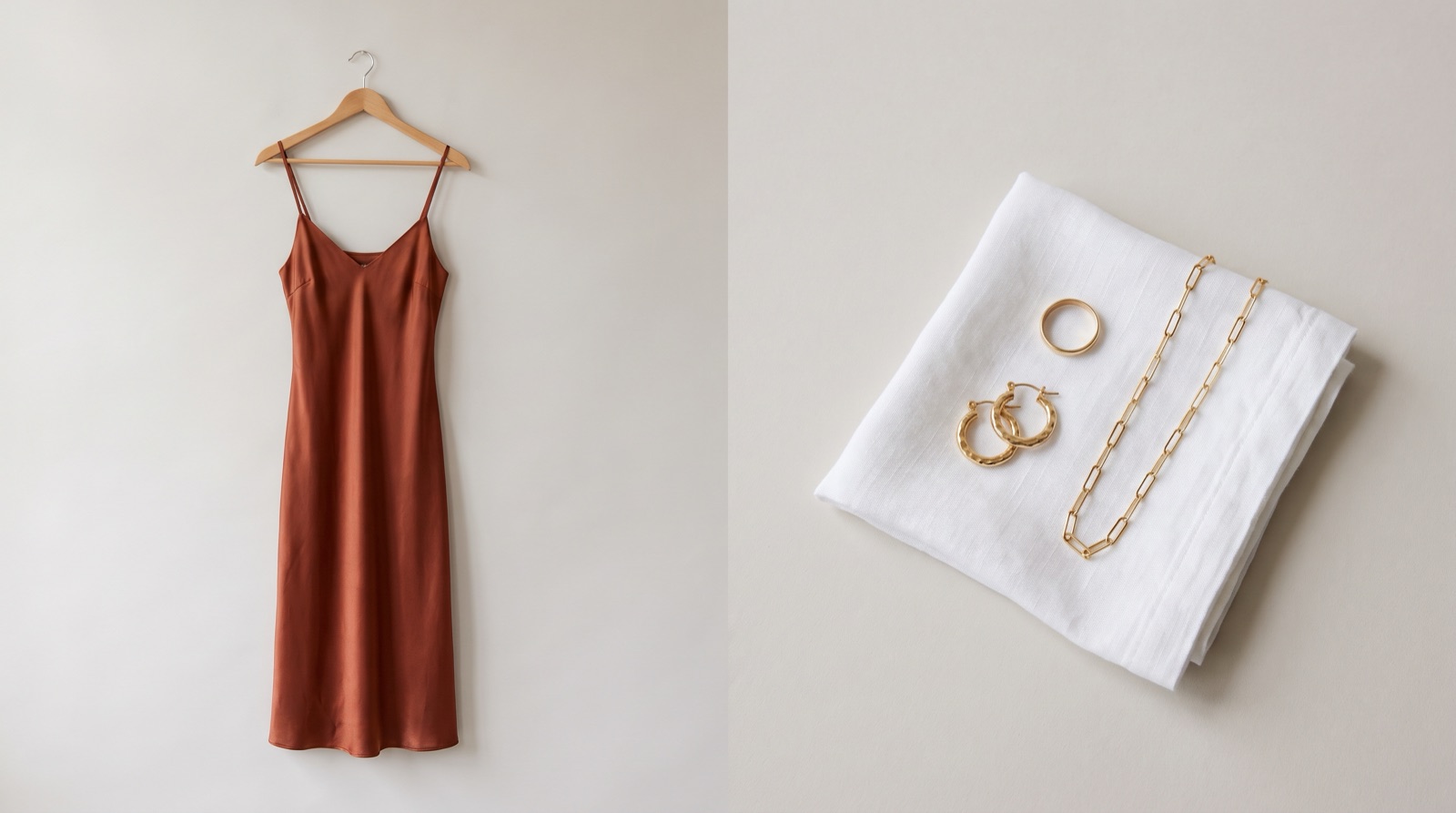
- Write one clear sentence per photo: the product's color, material and style, then the view.
- Keep it under 125 characters and skip "image of", store names and keyword lists.
- Give every photo in a gallery its own line, using your variant's color names.
- Add it per image in Shopify, or in bulk through the product CSV, and check AI drafts line by line.
Write product image alt text as one sentence that says what the product is and what this photo shows: color, material and style first, then the view (front, back, detail, on a model). Keep it under 125 characters, as Shopify recommends. Skip general terms like "image of" and don’t stuff it with keywords.
What is alt text, and who reads it?
Alt text is a description of the image which is used by a screen reader that reads it aloud to a shopper who can't see the photo, the browser shows it if the image fails to load, and search engines use it to understand what the image is.
Google calls alt text "the most important attribute when it comes to providing more metadata for an image" in its image SEO best practices. It also says it uses alt text together with computer vision and the text on the page.
So al tags serves three readers: a person using a screen reader, Google, and any AI tool that reads your page as text. If the sentence clearly describes the photo, it works for all three.
Do my product images need alt text?
Yes, every image that shows the product should have alt text. In a September 2026 Shopify Community audit of 591 product pages across 100 stores, 27% of images had no alt text. The author calls that an upper bound, since thumbnails and zoom copies were counted, but half the stores were still missing it on a quarter or more of their images.
How to write image alt text for product images?
Here’s a simple formula. Write each line in this order:
What the product is, with the details a shopper would ask about: color, material, cut, metal, stone.
What this photo shows: front, back, clasp close-up, worn by a model, laid flat.
Anything visible that affects the purchase: where a necklace sits on the body, how long a dress falls, how big an earring is next to a finger.
Leave out "image of" and "photo of" (screen readers already announce that it's an image), your store name, the price, and repeated keywords. Google says keyword stuffing "results in a negative user experience and may cause your site to be seen as spam" (source).
On length, Shopify's alt text field takes up to 512 characters, and Shopify's help center says "125 or less is recommended" (Shopify Help Center). One clear sentence usually fits well inside that.
Use the same color name your variant uses. If the variant is called "Navy", the alt text should say navy, not dark blue, so a shopper hears the same word they'll pick from the dropdown.
Alt text examples for clothing and jewelry
The products below are made-up examples. The point is the pattern: each photo in one gallery gets a different line.
Photo | Weak alt text | Better alt text |
|---|---|---|
Dress, on model, front | dress | Rust satin slip midi dress with a cowl neck, worn by a model, front view |
Same dress, back | Rust satin slip dress (same as every photo) | Back of the rust satin slip dress showing crossed straps and a low back |
Jeans, detail | jeans women high waisted jeans best jeans | Close-up of the brass button and raw hem on light-wash straight-leg jeans |
Ring, close-up | gold ring | Thin 14k gold band with three small pavé diamonds, close-up on white |
Necklace, on model | necklace | 16-inch sterling silver paperclip chain worn by a model, sitting at the base of the neck |
Earrings, scale shot | earrings | Small hammered gold hoop earrings held between two fingers to show size |
Color swatch with a visible label | navy | alt="" (the label next to it already says the color) |
Only name a metal or material you can confirm. "14k gold" and "gold-plated" are different products, and alt text is still a product claim.
If your size chart is an image, give it alt text that says what it is, and put the measurements on the page as real text too. A screen reader can't read numbers inside a picture, and neither can a search engine reliably.
How do I add alt text in Shopify?
These steps (for desktop) are from Shopify's help center:
In your Shopify admin, go to Products.
Click the product you want to edit.
Click a product image to open the Preview media page.
Click Add alt text.
Type your alt text, then click Save alt text.
Click the X to close the preview.
In the Shopify mobile app: tap Products, tap the product, tap an image, tap Information, enter the alt text, and save.
Shopify's media editor may suggest alt text for you. Read it before accepting, because accepting saves it to the file.
How do I add alt text to hundreds of images at once?
Shopify's help center says you can also upload alt text in a product CSV, which has an image alt text column (CSV guide). For a full catalog:
Export your products from Products > Export and save an untouched copy as a backup.
Filter for rows that have an image URL but a blank alt text cell.
Write one line per image using the formula above. Use the option/variant columns to get color names right.
Delete columns you aren't changing, or double-check them. Shopify's CSV guide says that when you overwrite products with matching handles, a blank cell in a non-required column overwrites the existing value with a blank.
Import a test file of five products first, check those pages, then import the rest.
Spot-check a few product pages with your phone's screen reader (VoiceOver on iPhone, TalkBack on Android).
AI tools can write the first draft for a big catalog. Check each line anyway. A tool looking at a photo can't tell solid gold from plated, and Shopify's own AI tools page says "AI outputs can contain errors, so review anything a tool creates or changes."
Does alt text help products show up in AI search?
I couldn't find content that says how much weight Claude and ChatGPT or Google AI Overviews gives alt text,here's what is documented: Google uses alt text with computer vision and page content to understand images (source). AI assistants that read your product page work mostly from its text, and alt text is the only text that describes your photos.
I'd treat alt text as one piece of a readable product page, next to a specific title and a description that answers sizing and material questions. To see whether it moves impressions or clicks, replies in the audit thread suggest watching Search Console with the search type set to Image.
Alt text checklist
Every product photo has alt text; decorative images don't need alt text, you can leave those blank.
Each photo should have a different alt text
Color names should match your variant names
Mention materials and metals
125 characters or fewer
No "image of", store name, price or keyword lists
Any text inside an image (size chart, banner) also appears in the alt text because you want everyone to have access to the information
Where MerchantFloor fits
We built MerchantFloor to make it simple to create professional product photos and descriptions, social captions and blog content. If you use the Shopify app, the images publish straight to your products, so it's a good moment to add alt text while each photo is in front of you. If you use the download option to put the images on another storefront, a marketplace, social or ads, write the alt text when you upload them there. The same formala can be applied for any platform.
If you use our product listing agent, alt-tags are generated as part of the output.
Frequently Asked Questions
Share this article
Related Articles
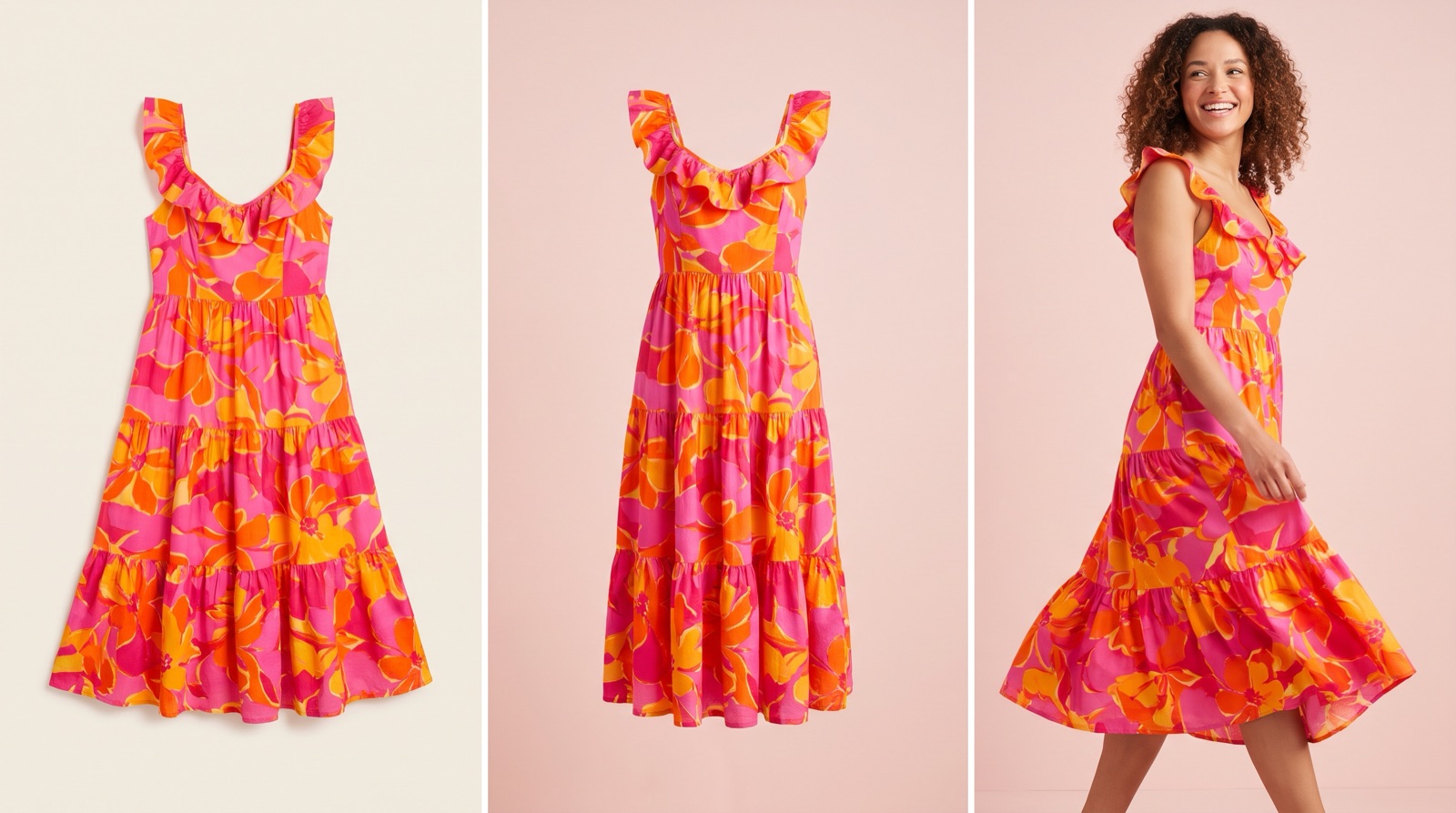
Flat Lay vs Ghost Mannequin vs On-Model: Which to Use
Which photo format should a small clothing or jewelry brand use? What flat lay, ghost mannequin and on-model photos show, what they cost and where AI fits.
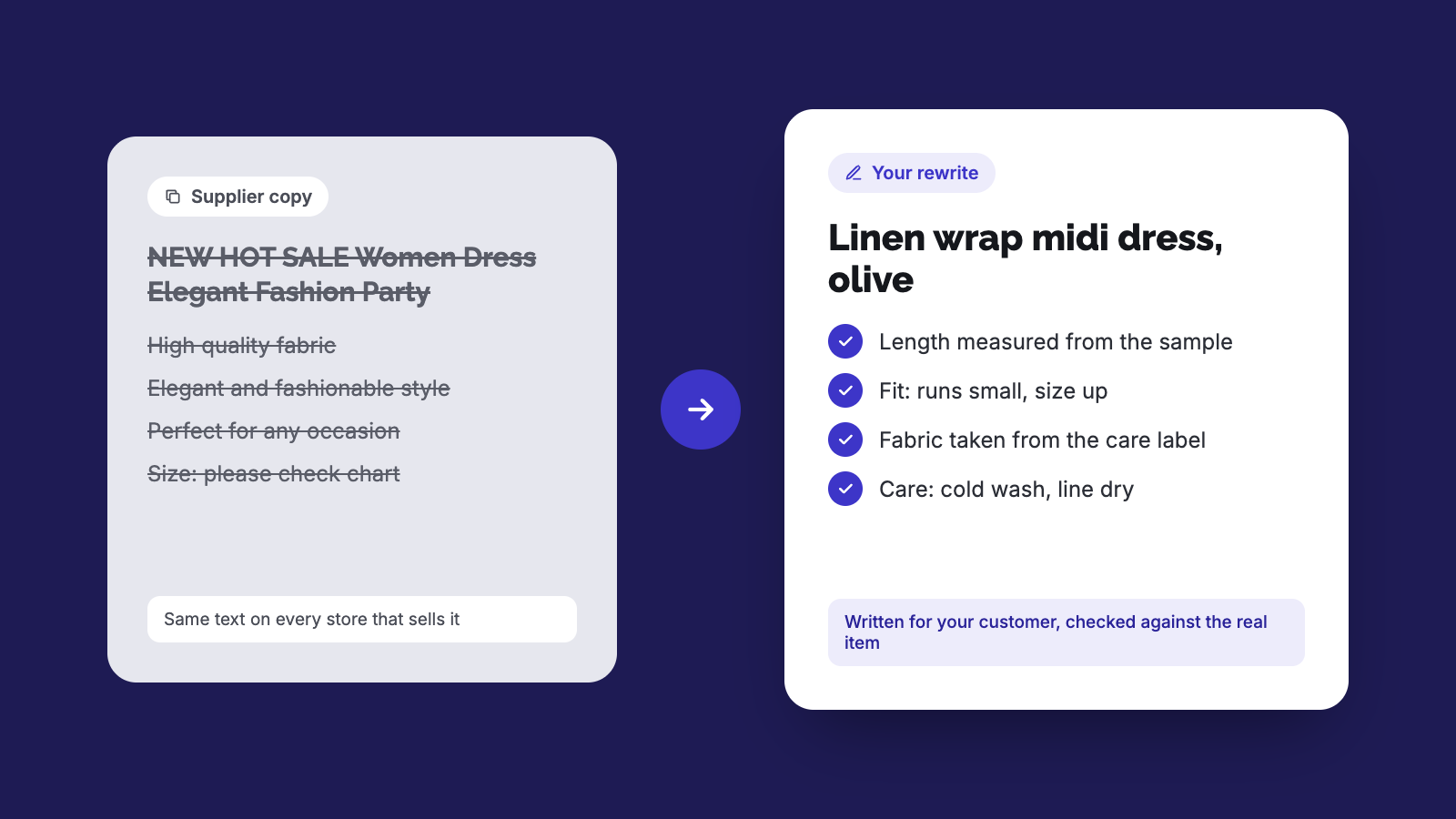
How to Rewrite Supplier Product Descriptions with AI (Steps)
Copied supplier text won't get your store penalized, but it won't rank or sell either. Here's a step-by-step way to rewrite it and check the specs.
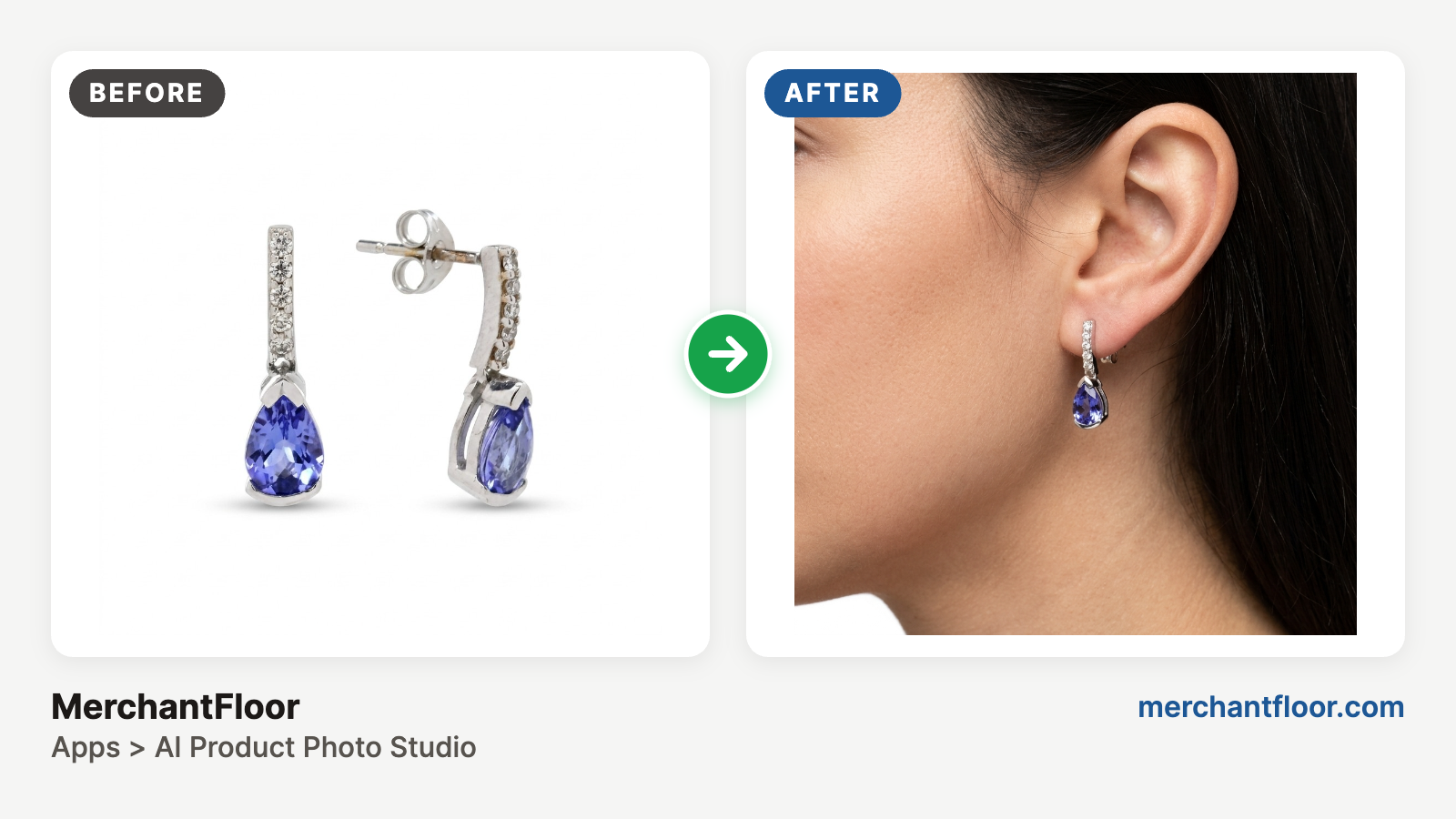
AI Jewelry photography guide (2026)
Jewelry is the hardest product to photograph: glare, reflections, blur and dust. Learn a simple phone-plus-AI workflow for clean product shots and on-model photos without a studio.