
Introducing the Merchant Floor x Shopify app
We are excited to share that we just launched our Shopify app.
One thing we kept hearing from customers was that downloading and uploading images from tools like our Lifestyle Image Generator back to product pages was taking too much time. This integration fixes it.
When you install the app, you'll start seeing Push to Shopify buttons across our apps and the Gallery tab in the dashboard.
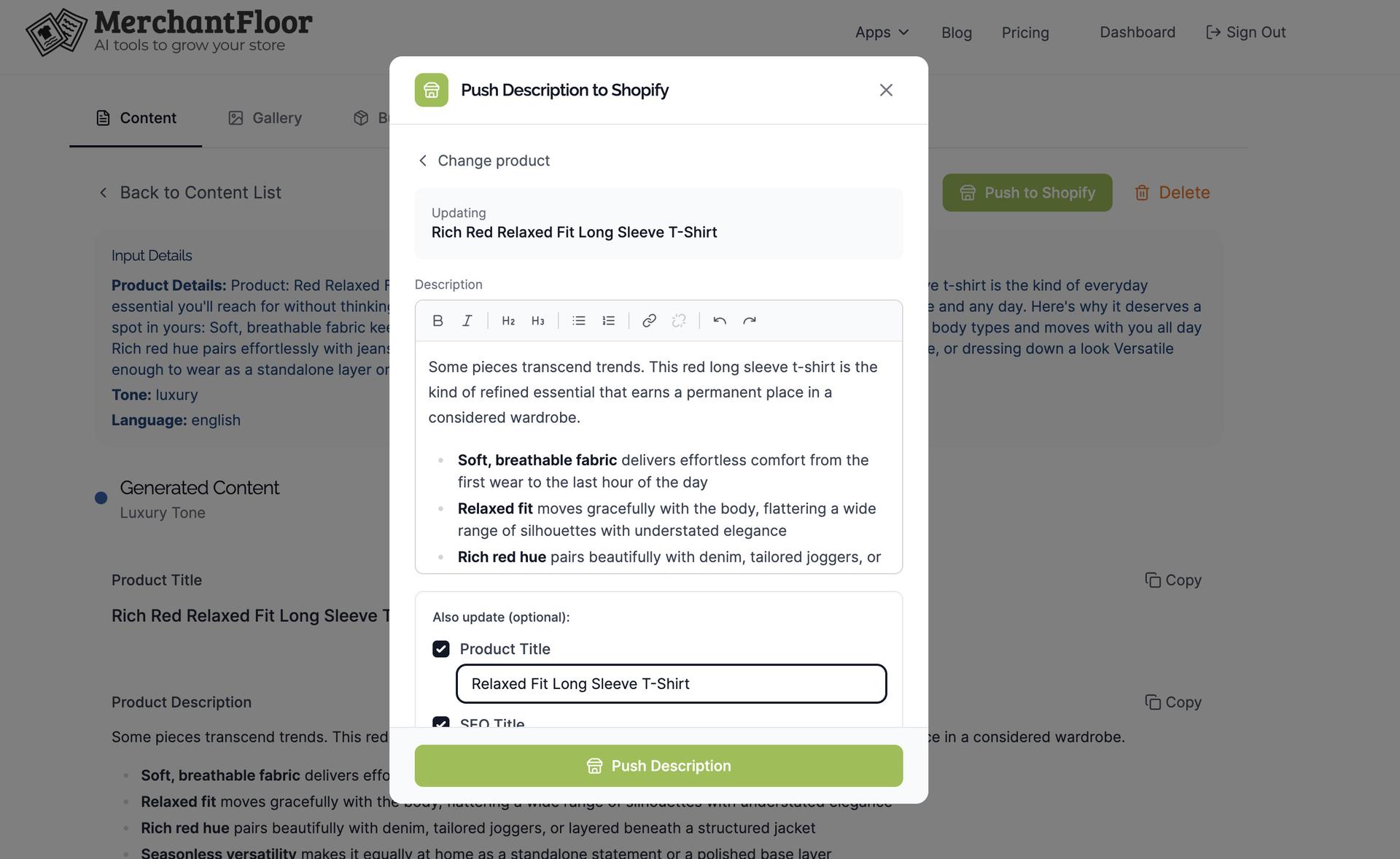
 For product descriptions, you can import an existing description, generate a better version using our AI Product Description Writer, make any edits to it, and update your product page. No copy pasting. It'll be loaded with all the formatting as well.
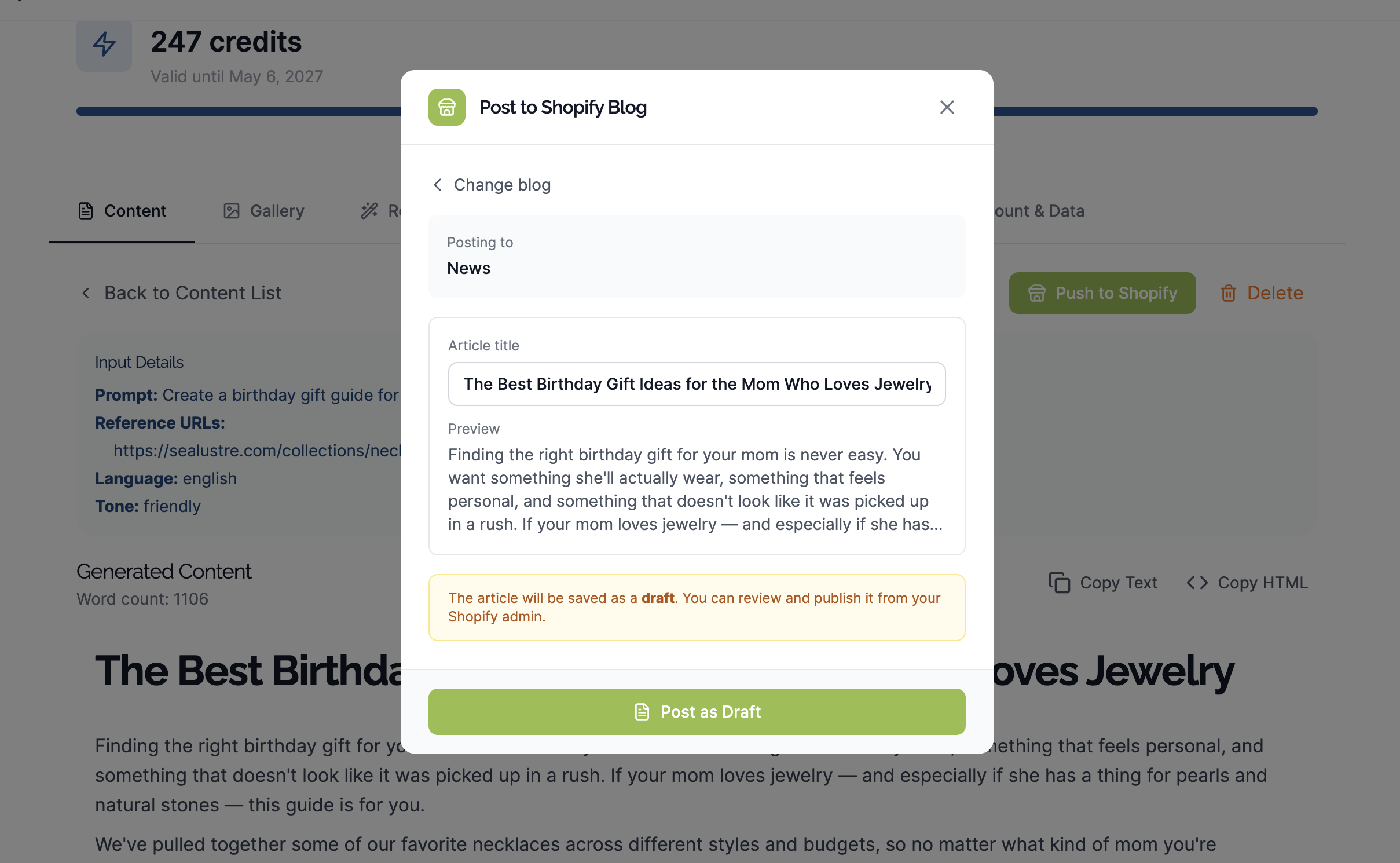
 For blogs, you can generate and push it back to save as a draft. It gets saved with images and links all intact. You can edit as needed and publish.
 Note on billing: When you install the app, any credits you buy will be billed via Shopify (our buy buttons will point to Shopify)
We're new on the app store. Please install, try it out and share any feedback.
Share this article
Related Articles
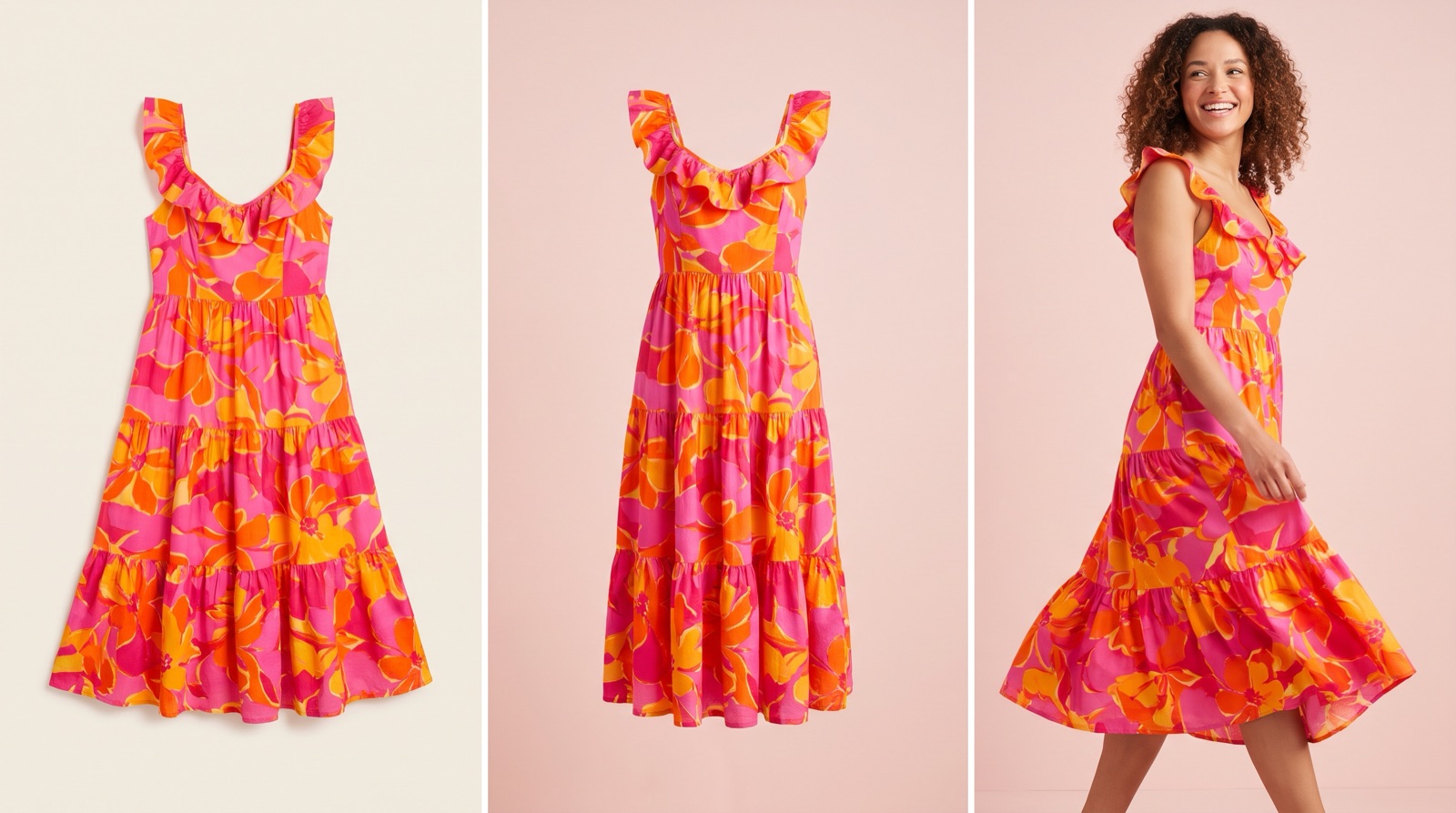
Flat Lay vs Ghost Mannequin vs On-Model: Which to Use
Which photo format should a small clothing or jewelry brand use? What flat lay, ghost mannequin and on-model photos show, what they cost and where AI fits.
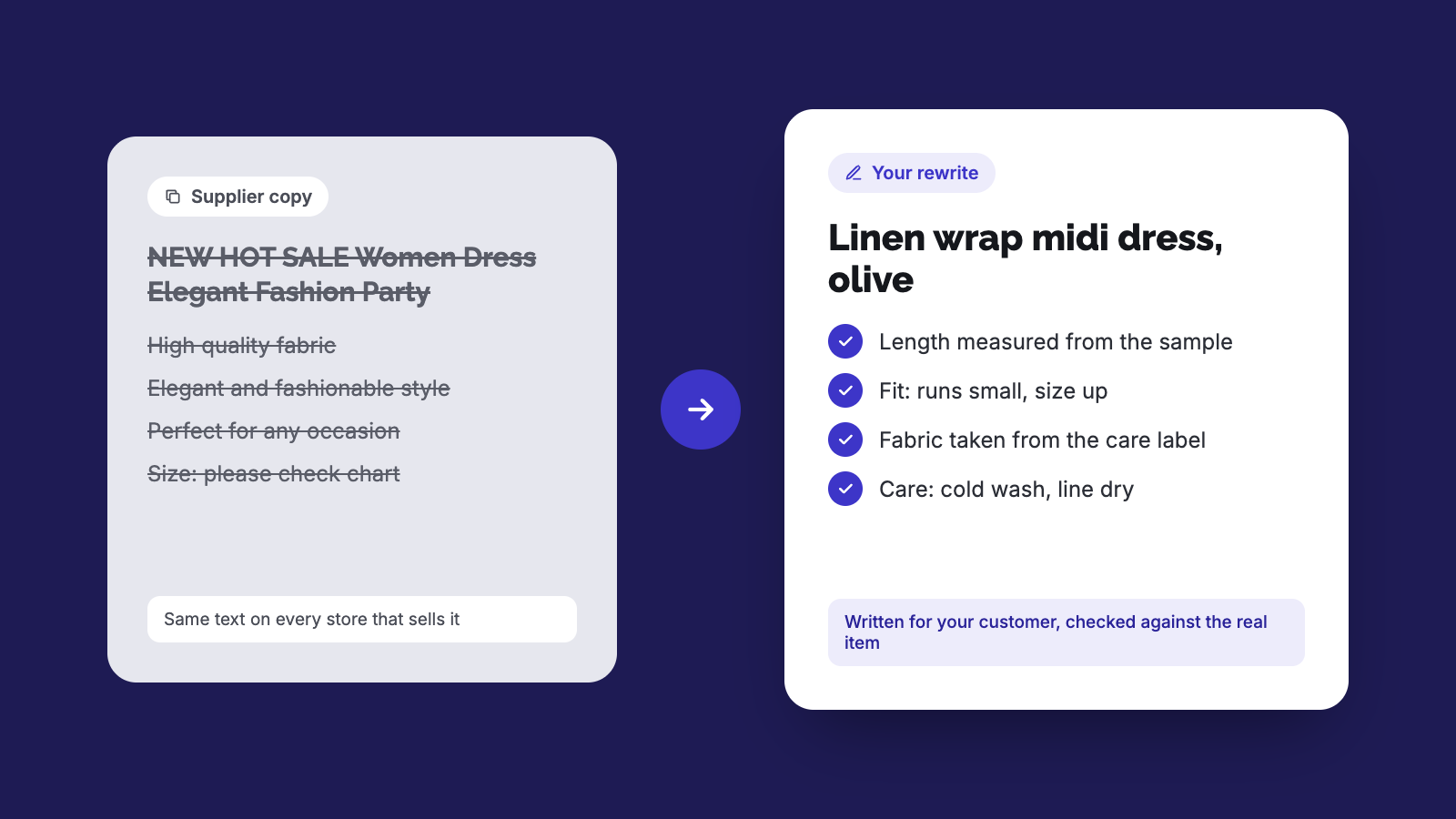
How to Rewrite Supplier Product Descriptions with AI (Steps)
Copied supplier text won't get your store penalized, but it won't rank or sell either. Here's a step-by-step way to rewrite it and check the specs.
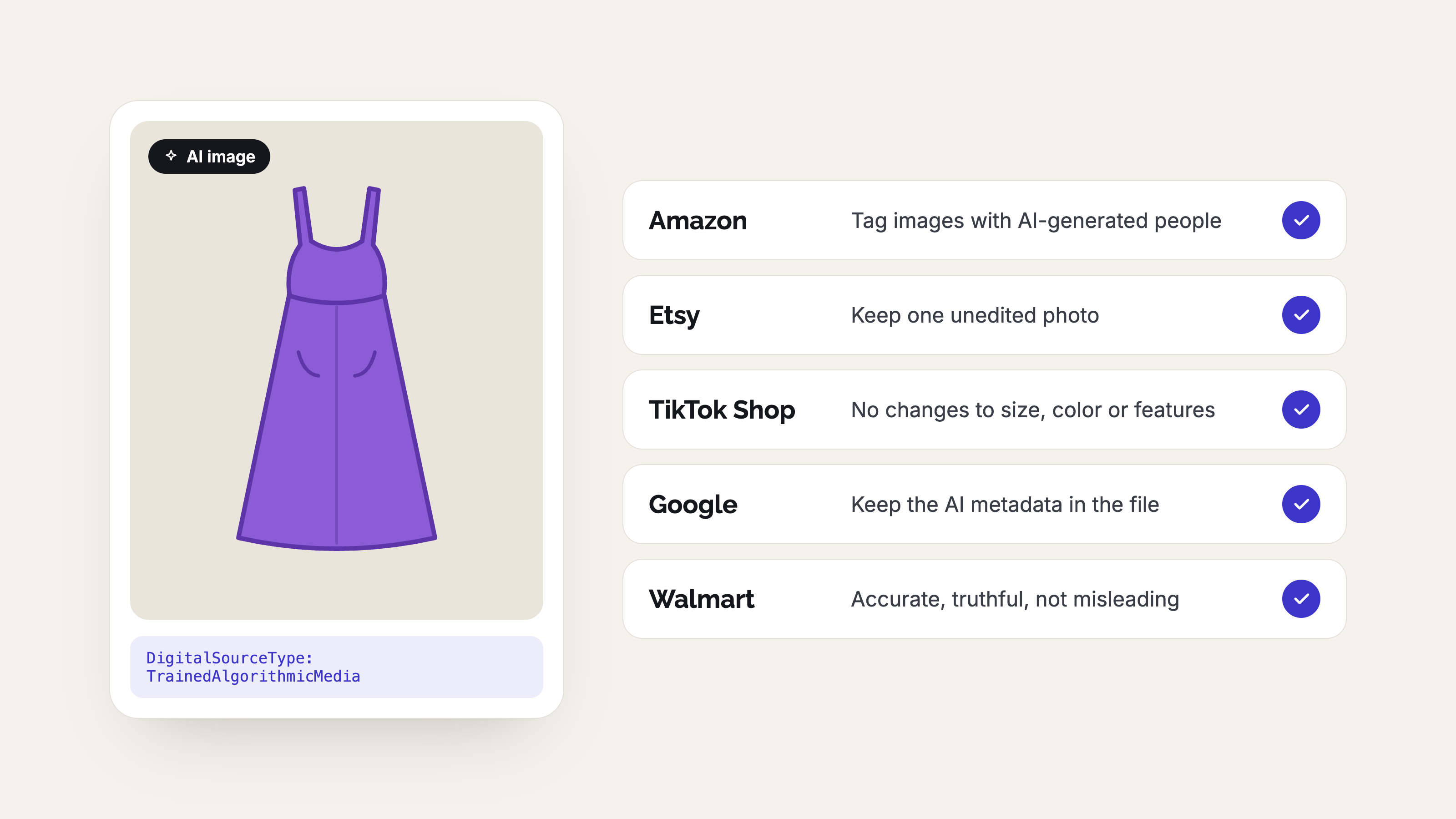
AI Product Photo Rules for Every Marketplace (2026)
No major marketplace bans AI product photos, but each has its own rules on accuracy, labels and metadata. See what Amazon, Etsy, eBay, Walmart, TikTok Shop, Google, Meta, Pinterest and Shopify expect before you list.