
How to use AI to combine multiple product photos into a collection image
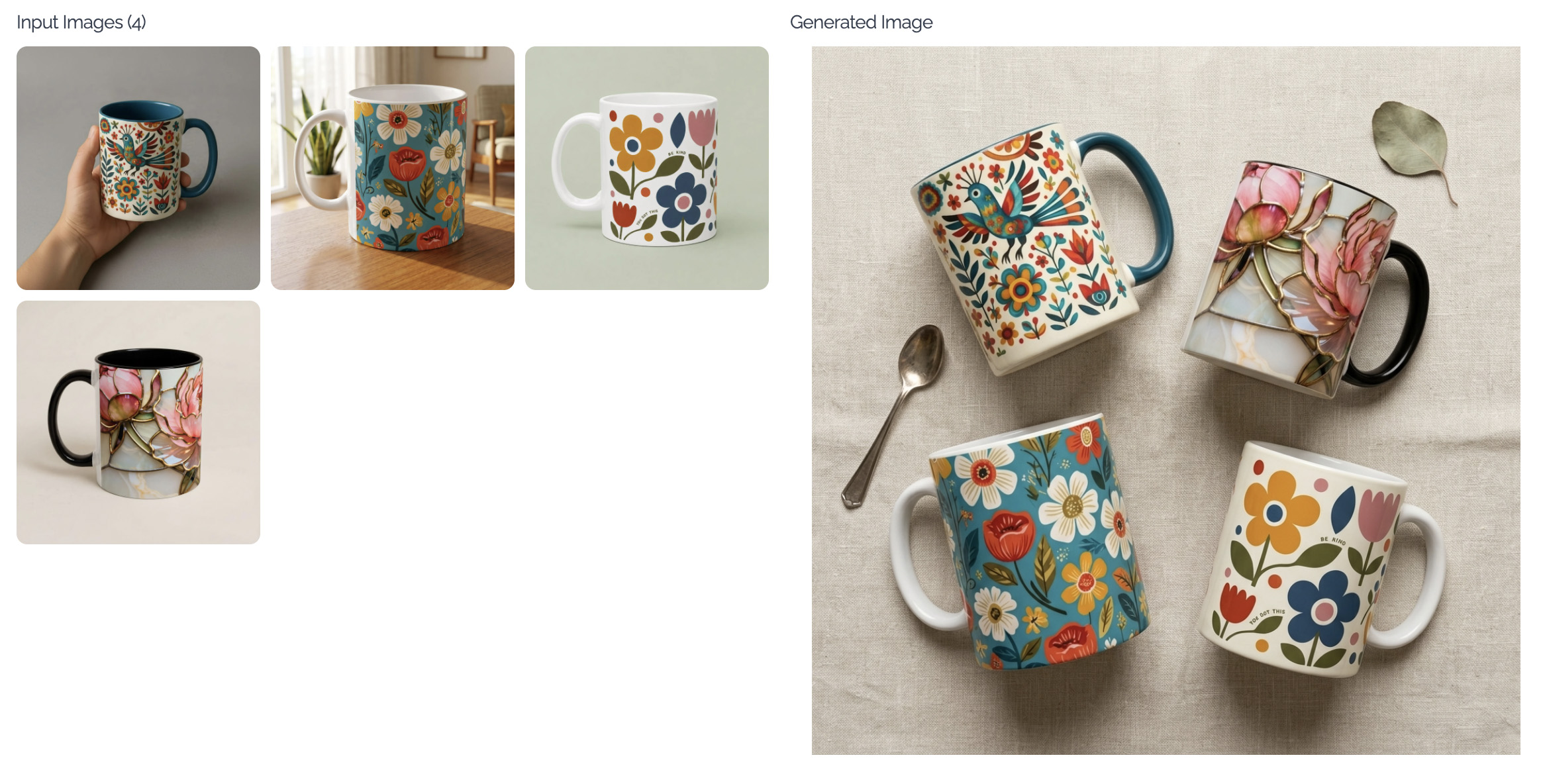 Your products don’t always need to be shown one at a time.
Sometimes you want to show how your products look together — a collection of necklaces, a complete outfit, or a whole look.
Now you can.
We just added a new mode to the Lifestyle Images app that lets you combine multiple product images into a single AI-generated image.
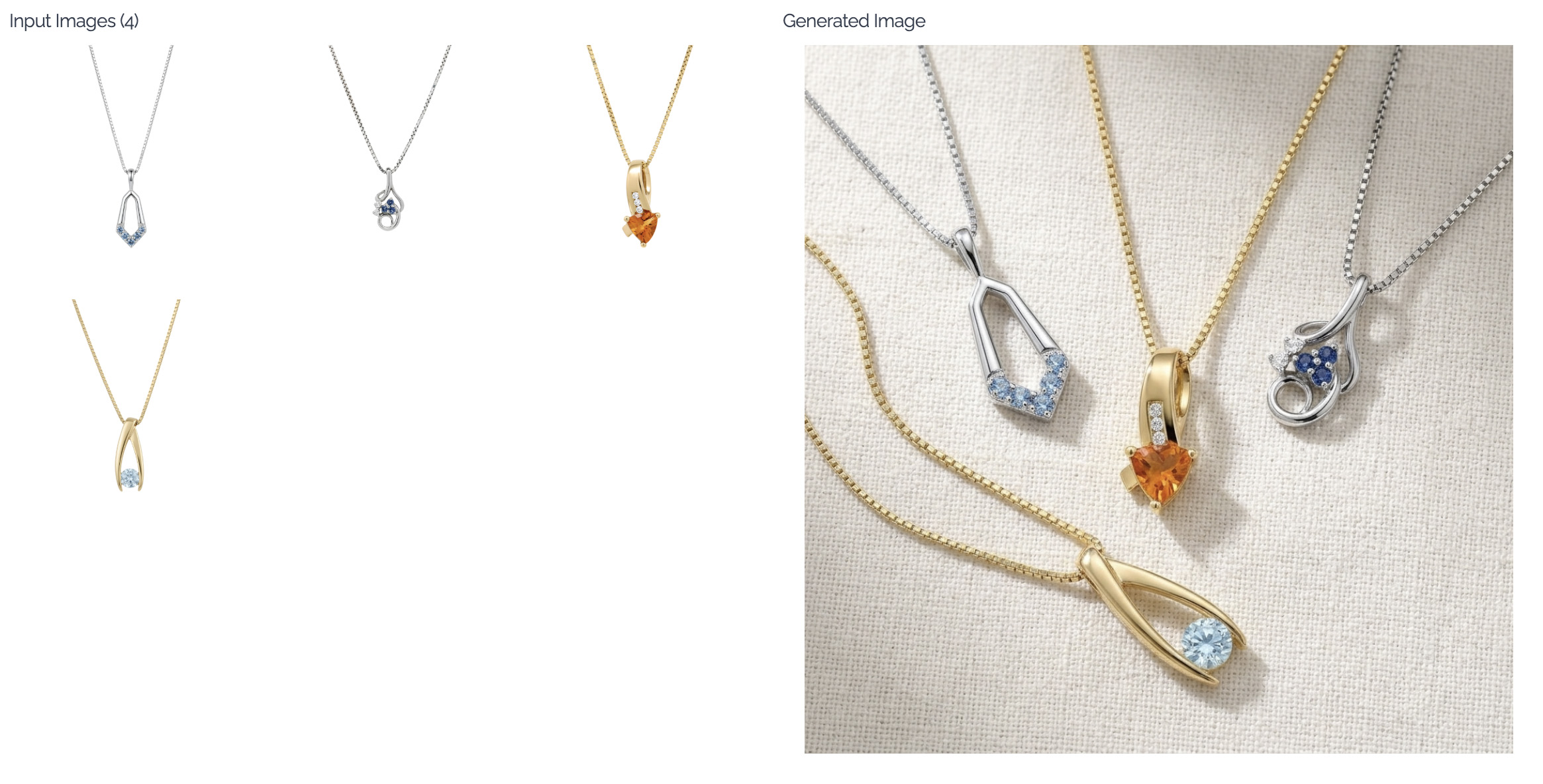
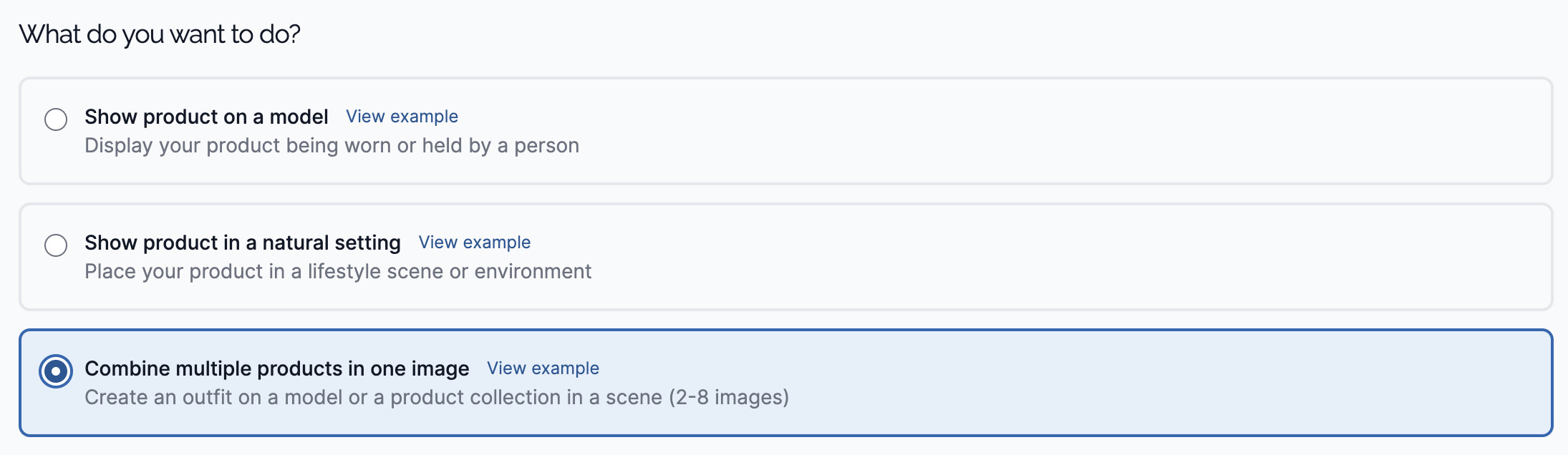 For example:
Upload 4 necklace photos → get a polished collection image you can use on your homepage, social, email, and more.
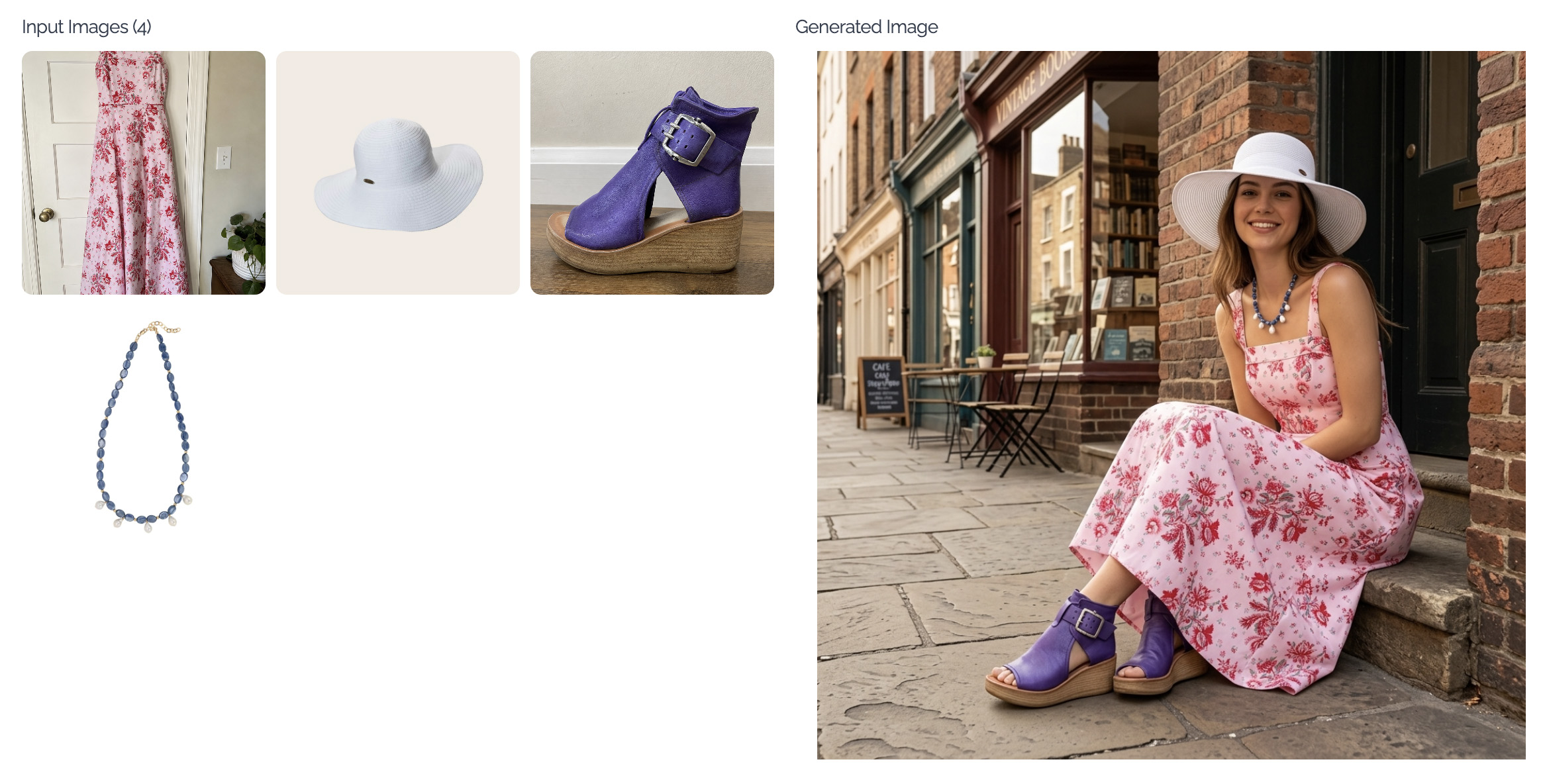
Or upload a top, bottom, necklace, hat, and shoes → get the complete outfit shown on a model.
 No photoshoot. No styling. No trying to make five separate product images work together.
Just upload your products and let MerchantFloor bring them together.
Share this article
Related Articles
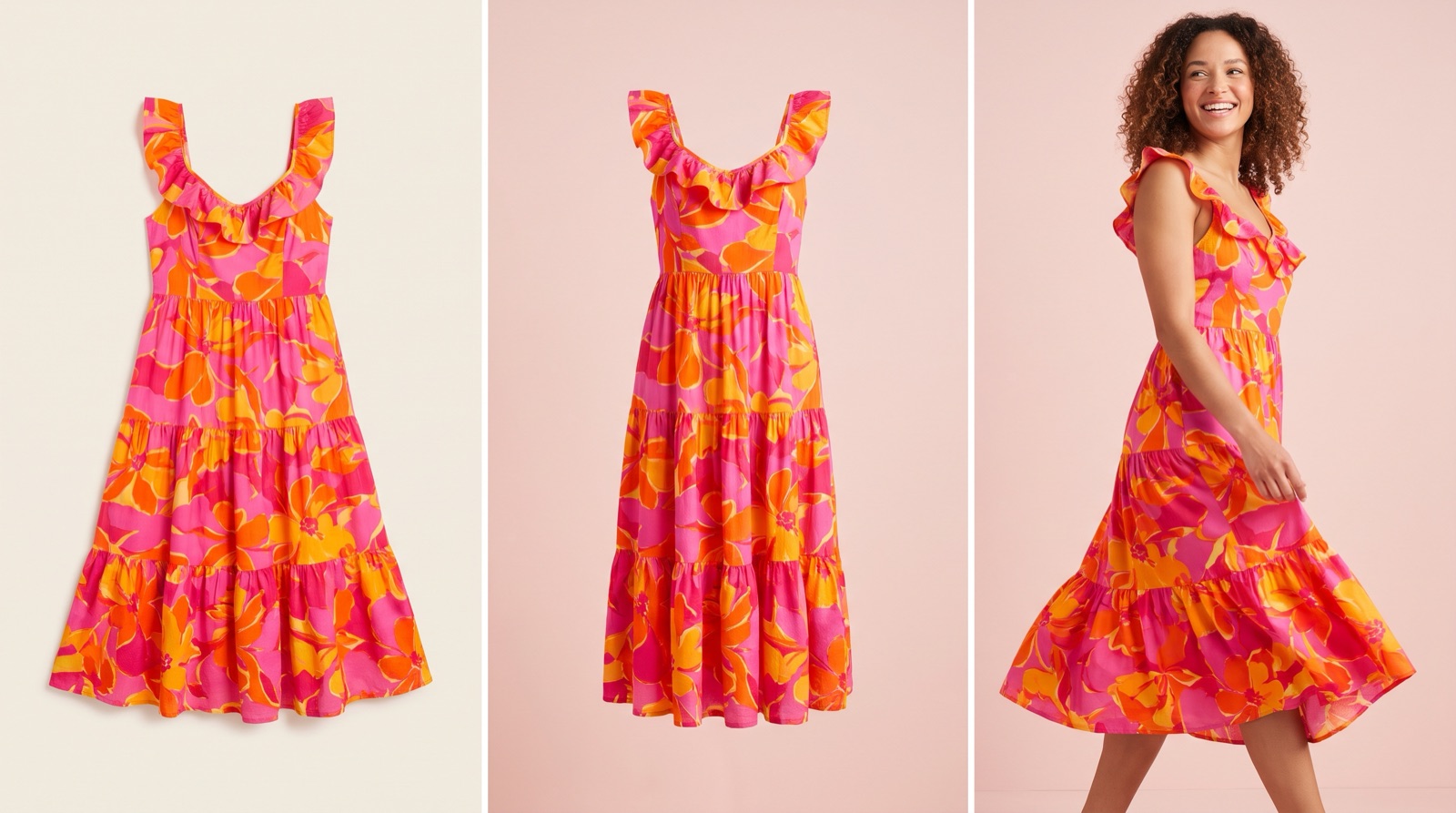
Flat Lay vs Ghost Mannequin vs On-Model: Which to Use
Which photo format should a small clothing or jewelry brand use? What flat lay, ghost mannequin and on-model photos show, what they cost and where AI fits.
How to Rewrite Supplier Product Descriptions (Steps)
Copied supplier text won't get your store penalized, but it won't rank or sell either. Here's a step-by-step way to rewrite it and check the specs.
AI Product Photo Rules for Every Marketplace (2026)
No major marketplace bans AI product photos, but each has its own rules on accuracy, labels and metadata. See what Amazon, Etsy, eBay, Walmart, TikTok Shop, Google, Meta, Pinterest and Shopify expect before you list.