How to create a content calendar for your ecommerce business (with examples)
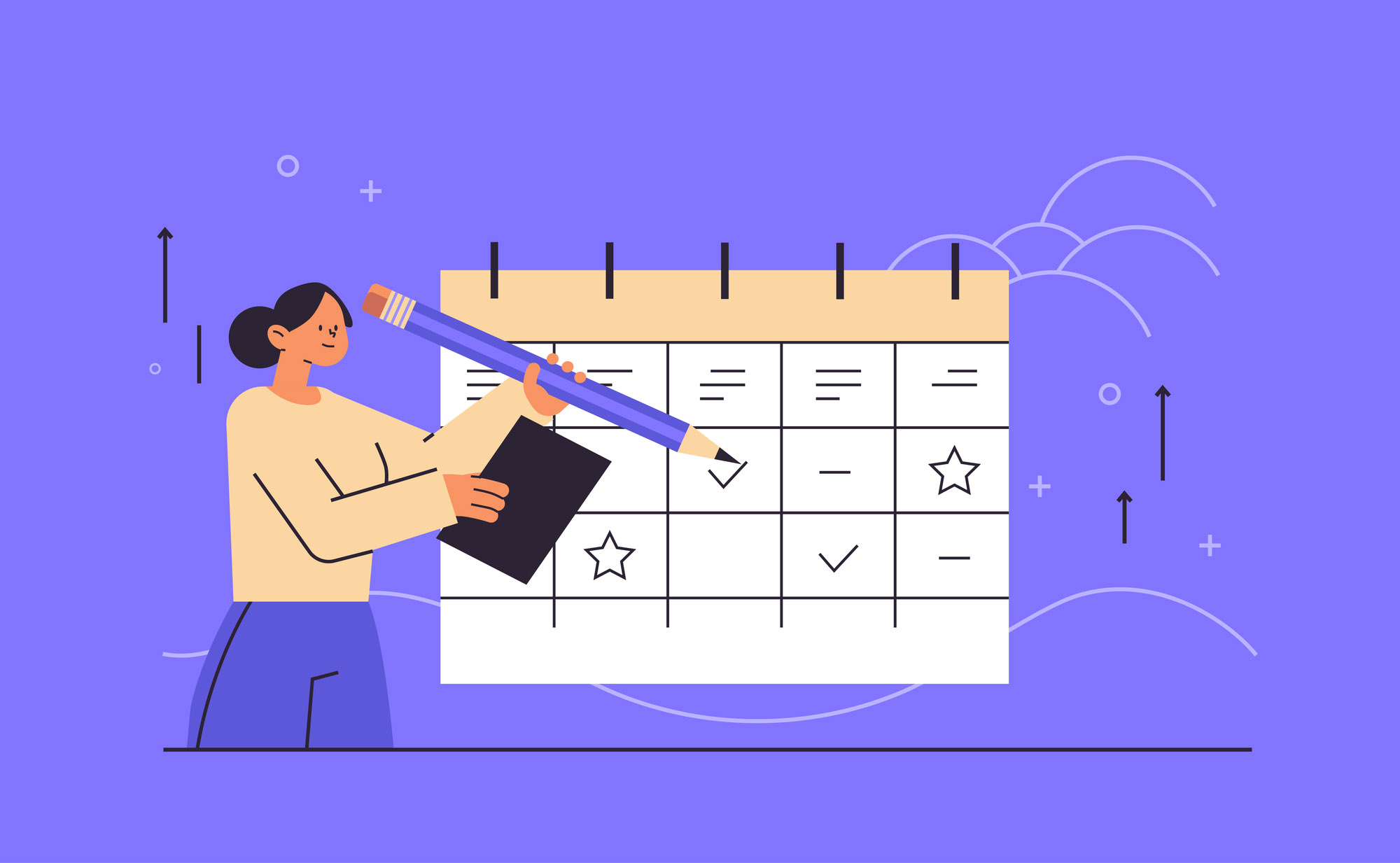 Running an online store means juggling product launches, promotions, customer education, and social engagement all at once. A well-planned content calendar is your roadmap—keeping your team aligned, your messages consistent, and your SEO on track. If you're not yet blogging for your ecommerce brand, here's why you should. If you’ve ever felt overwhelmed by the ideas piling up or worried that your content isn’t driving sales, a thoughtfully designed content calendar can transform your approach. And yes, a steady cadence can actually move the needle: studies show that publishing frequency matters for traffic growth (HubSpot statistics indicate that companies publishing 16+ blog posts per month see significantly more traffic than those publishing far fewer).
- A content calendar is the difference between a brand that publishes consistently and one that scrambles for ideas at the last minute.
- Start with your goals and your audience, then map content to your product launches, promotions, and seasonal moments.
- You do not need expensive software — a well-structured spreadsheet covers all the basics and can grow with you.
- Review performance monthly and let data guide what you create more of; do not just repeat what felt good to write.
What does a content calendar look like for an ecommerce business?
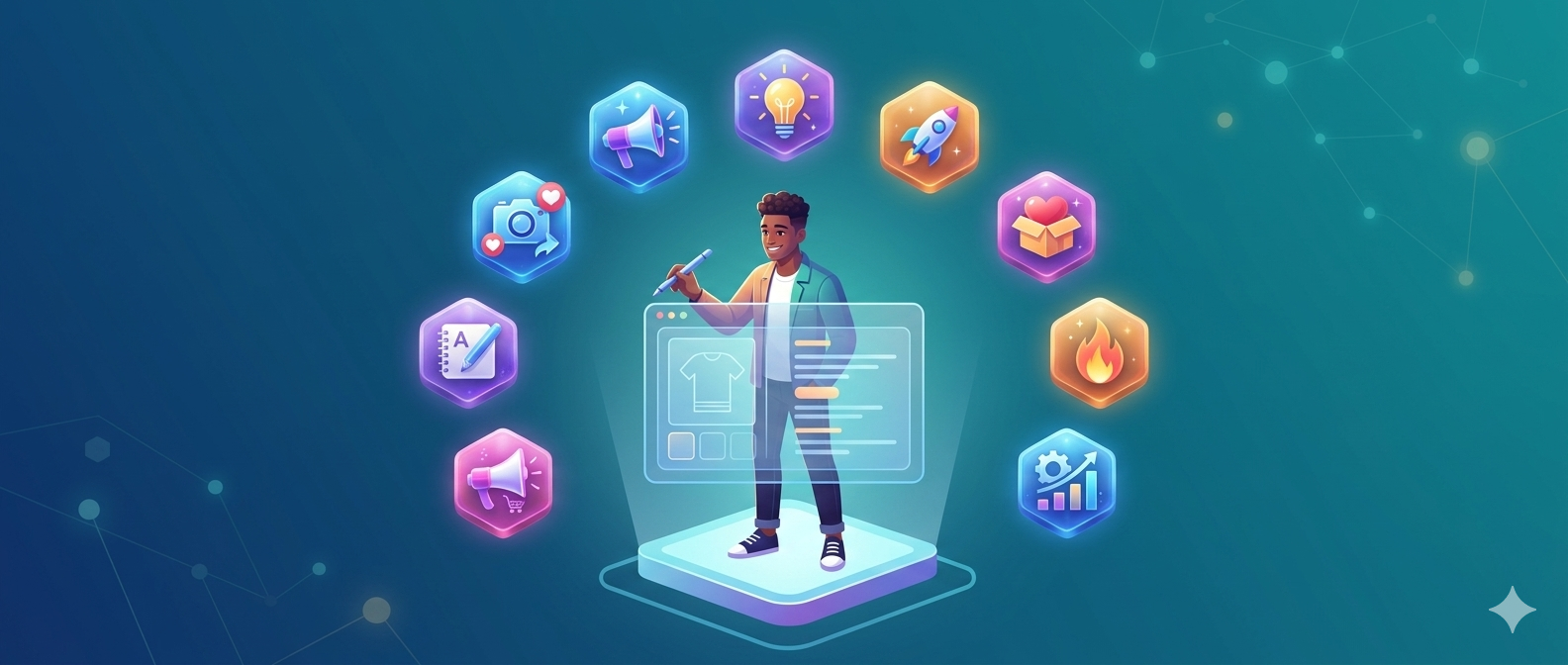
A content calendar for ecommerce is a centralized plan that schedules all content across channels—blog posts, product guides, email newsletters, social media, videos, and more—linked to your promotions, launches, and seasons. It helps you coordinate campaigns across channels and teams and plan content around keywords to help you boost your organic search rankings.
Whether you’re a small brand or a growing retailer, an ecommerce content calendar keeps your messaging clear, your deadlines in check, and your content ROI on the radar.
Step-by-step guide to building your ecommerce content calendar
Define your goals and audience
Start with the end in mind. Do you want more product page visits, newsletter signups, or direct conversions from blog posts? Identify your target customers (buyer personas) and map their questions to content that helps them move through the funnel.
Audit existing content
Inventory what you already have—blog posts, guides, videos, and emails. Note what performed well, what didn’t, and where gaps exist in topics, formats, or channels.
Choose your channels and content formats
Decide where you’ll publish: blog, product guides, email, social, video, or short-form content. Common ecommerce formats include product roundups, “how-to” guides, buyer’s guides, and seasonal gift guides.
Tip: Diversify formats to reach different segments—blogs for SEO, short social posts for engagement, and long-form guides for conversions.
Set a publishing cadence
Establish how often you’ll publish on each channel. Realistic cadences beat ambitious but unsustainable plans. For example, 2 blog posts per week, 3–5 social posts per platform, and a monthly email newsletter is a solid starting point for many ecommerce teams.
Brainstorm topic ideas tied to products and events
Create a backlog of topics that tie to product launches, seasonal campaigns, and evergreen questions your customers ask. Include a mix of quick wins (list posts, quick guides) and deeper assets (comprehensive buying guides).
Plan keyword and SEO considerations
Identify target keywords for each piece, optimize on-page elements, and map internal links to related products or category pages. Our 5-hour per week SEO plan can help you structure this work. This helps you attract organic traffic and guide shoppers toward conversions.
Assign owners and establish a workflow
Clarify who creates, reviews, and approves each piece. Define clear deadlines and build in buffers for review, revisions, and holidays or promotions.
Choose a calendar tool
Use a tool that fits your team, whether it's a shared Google Sheet, Notion, Trello, or Asana. The key is visibility, easy updates, and the ability to add fields like keywords, status, and links.
Link content to products and promotions
For each content item, note the relevant product pages or campaign landing pages. This enables seamless internal linking and clear paths from content to checkout.
Measure, learn, and iterate
Track metrics such as page views, time on page, social engagement, email signups, and revenue attributable to content. Use the data to refine your cadence, formats, and topics over time.
Two practical example calendars you can adapt right away
Example 1: Seasonal Spring Promotion ( ecommerce focus )
This example demonstrates a 4-week seasonal plan that emphasizes product discovery, how-to content, and promotions tied to a spring sale.
Blog post: "Spring Essentials: The Must-Have Gear for [Your Niche]"
Week 1 social: 3 posts highlighting top spring products and a teaser for the blog post
Week 2: How-to guide: "How to Choose the Right [Product Category] for Spring" (includes a buying guide)
Week 2 email: Newsletter featuring spring bundles and limited-time discount
Week 3: Short video: "Unbox the Spring Essentials" (YouTube/Instagram)
Week 3: Blog roundup: "5 Ways to Use [Product A] This Spring" (internal links to product pages)
Week 4: Landing page update for the spring sale; a promo-focused blog post to drive traffic to the sale
Example 2: Evergreen Product Education
This example centers on building a library of evergreen guides that continually drive organic traffic and educate shoppers about your products.
Month-long cadence: 2 blog posts, 1 buying guide, 2 social posts per week, 1 monthly email
Blog topics: "Buying Guide: How to Pick the Right [Product] Based on Your [Need]," "Care and Maintenance for Your [Product]"
Guides: "The Ultimate [Product] Comparison Guide," with internal links to product pages
Social strategy: Short tips, customer testimonials, and behind-the-scenes content
Email strategy: Monthly digest with new guides, how-tos, and best sellers
Tools, templates, and how to scale your calendar
Choose a calendar tool that fits how your team works. Popular options include:
Google Sheets for a lightweight, shareable calendar
Notion for flexible databases and pages per content item
Trello or Asana for kanban-style workflows
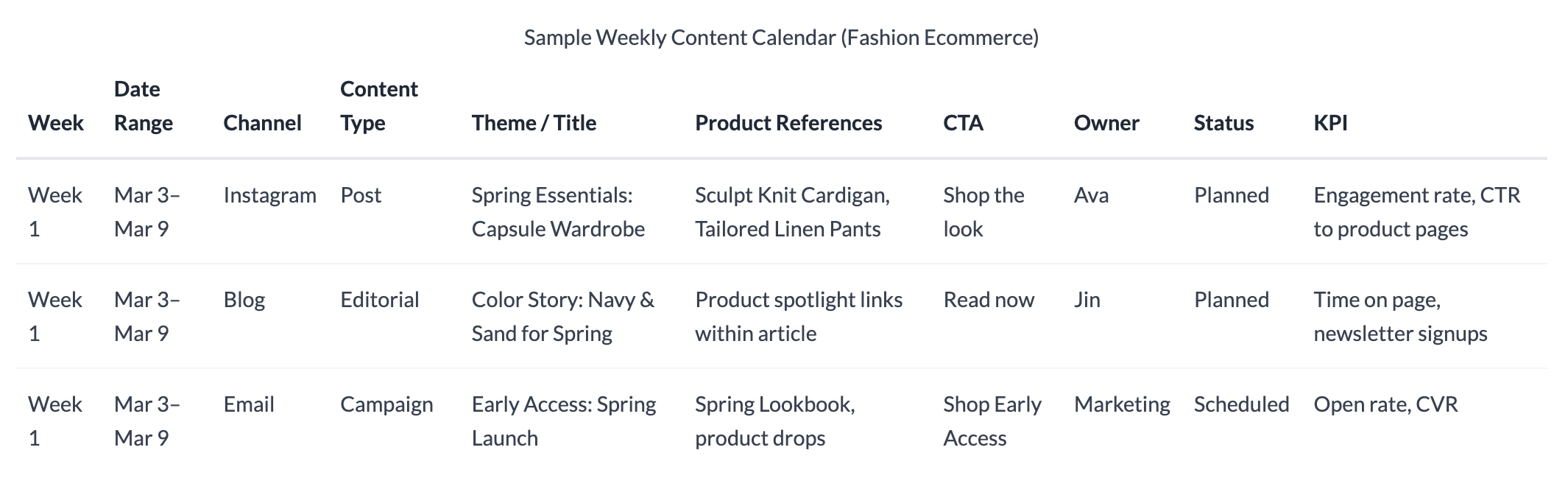
Here is a sample table you can create in Google sheets.
 Tips for templates and setup:
Use a consistent field set: date, channel, content type, topic, keywords, owner, status, and links
Color-code by channel (blog, email, social, video) for quick scans
Include a “promotion” column to flag seasonal campaigns and discounts
Link content items to product pages or category pages to streamline internal linking
Conclusion: start planning today
Ready to take control of your ecommerce content? A practical, well-structured content calendar turns ideas into consistent, revenue-driving content. Start small, pick a cadence you can sustain, and build from there. Your future self—and your customers—will thank you.
Pro tip: Block 60 minutes this week to draft 5 starter topic ideas targeted at your customer. Add these to your existing content calendar or set up a new one as a simple Google sheet with a list of content you plan to create and publish in the next 30 days. Use some of the sample calendars above to get started. The clarity and momentum you gain will compound quickly.
Frequently asked questions
How often should an ecommerce brand publish content? Start with a realistic cadence (for example, 2 blog posts per month and 3–5 social posts per platform) and adjust based on performance and team capacity.
Should I include product pages in my content calendar? Yes. Plan content that links to products, category pages, and promotions to speed shoppers toward checkout.
What metrics matter most? Start monitoring organic traffic and engagement (time on page, shares). Then start monitoring content-influenced revenue, i.e., revenue generated by users who visited any of your content pages. Google Analytics has reports showing you this. This blog gives you a good overview.