
Create banners with AI on the lifestyle images app
If you spend too much time creating banners in Canva or Photoshop, this is for you. For a full list of AI tools for ecommerce, see our AI image and video tools guide.
Did you know that you can use our lifestyle image app (or photo studio app) to create banners for your homepage, category pages, emails or anywhere else.
Just add a prompt - here is an example.
We uploaded a product image of a dress.
Selected the 'beach' preset
Added this to the beach prompt:
Make it into a banner.
Image on right.
Left side headline: New arrivals. Use a scripted font.
Shop now button in black and white below the headline.We chose the 3:2 landscape size (you can choose any size you need)
Here is the generated banner.
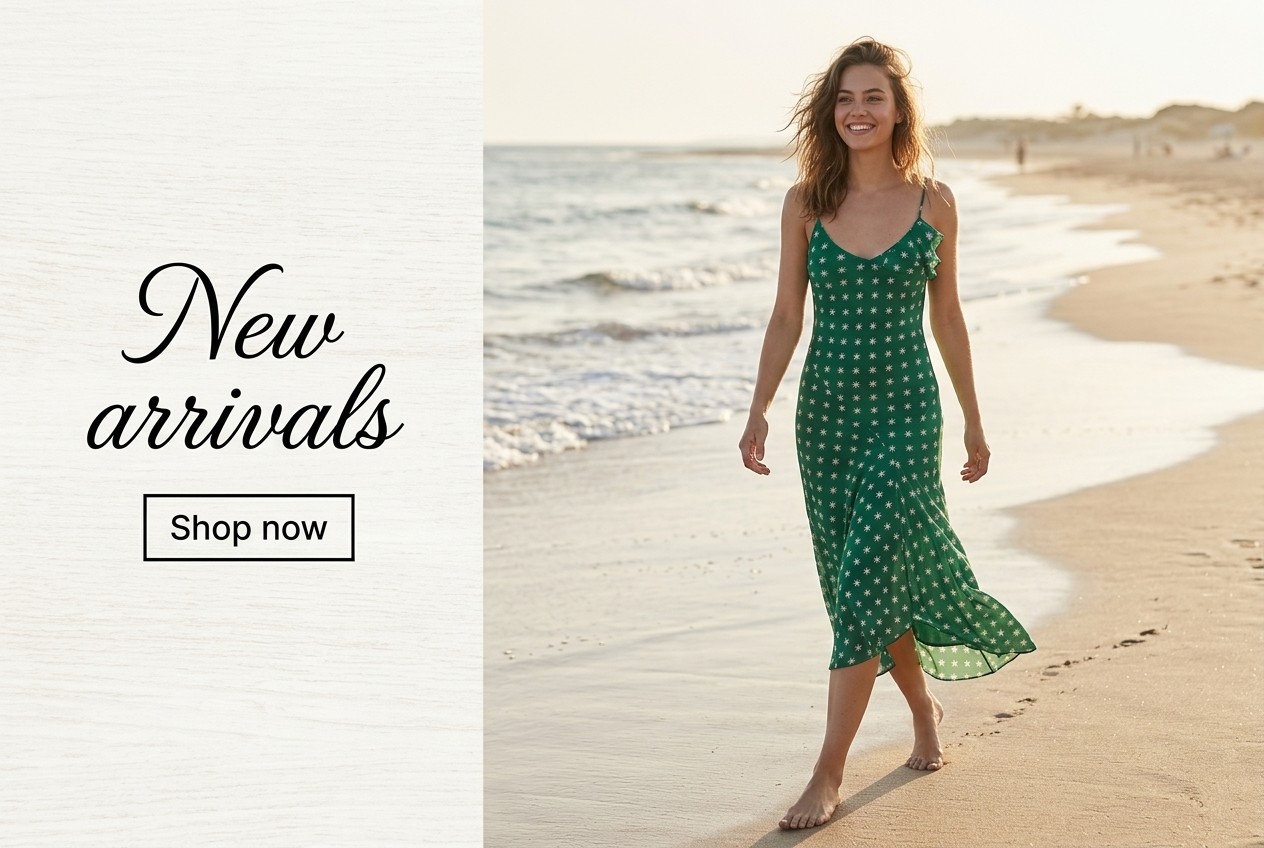 With AI, the same prompt can generate different results each time. So if the first output isn’t perfect, try it a few times. Here is another example with the exact same prompt.
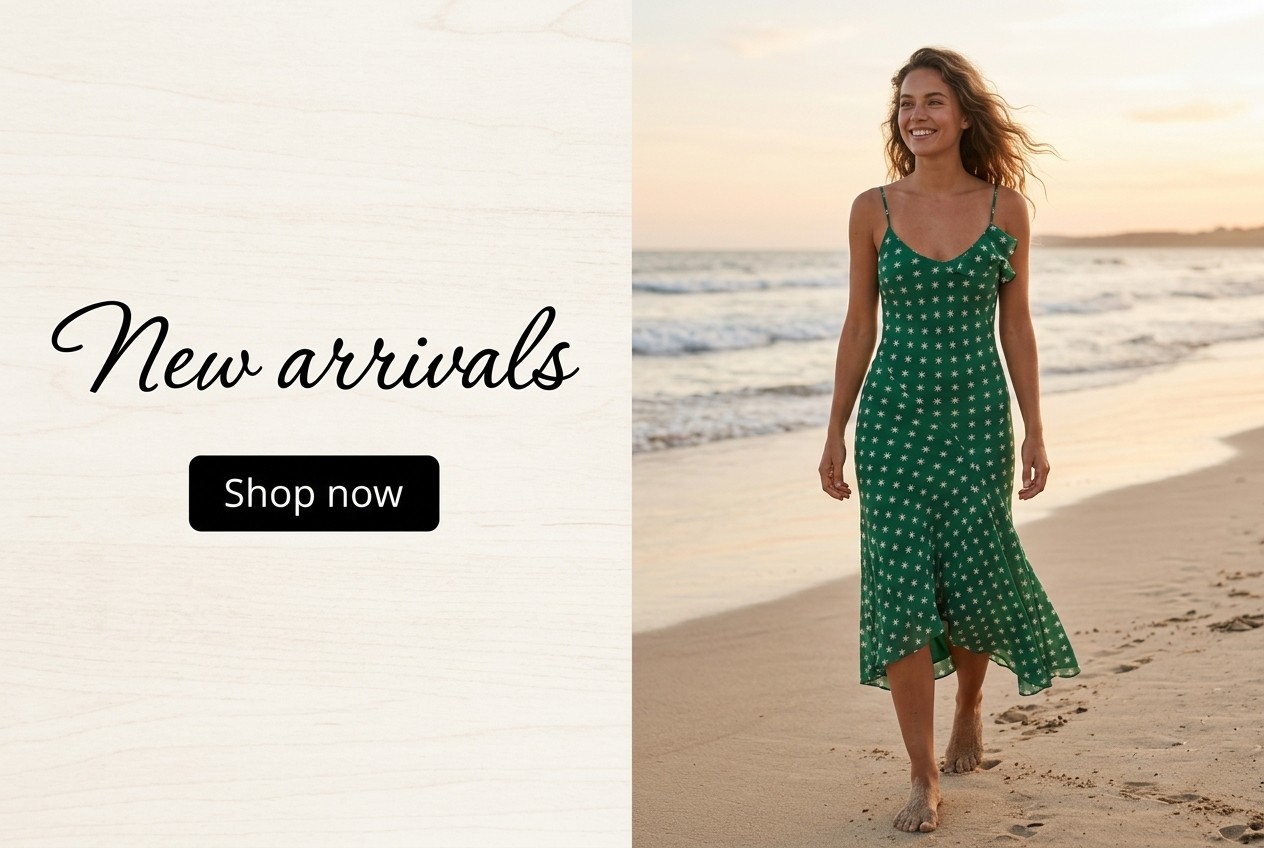 Happy creating.
Share this article
Related Articles
Flat Lay vs Ghost Mannequin vs On-Model: Which to Use
Which photo format should a small clothing or jewelry brand use? What flat lay, ghost mannequin and on-model photos show, what they cost and where AI fits.
How to Rewrite Supplier Product Descriptions with AI (Steps)
Copied supplier text won't get your store penalized, but it won't rank or sell either. Here's a step-by-step way to rewrite it and check the specs.
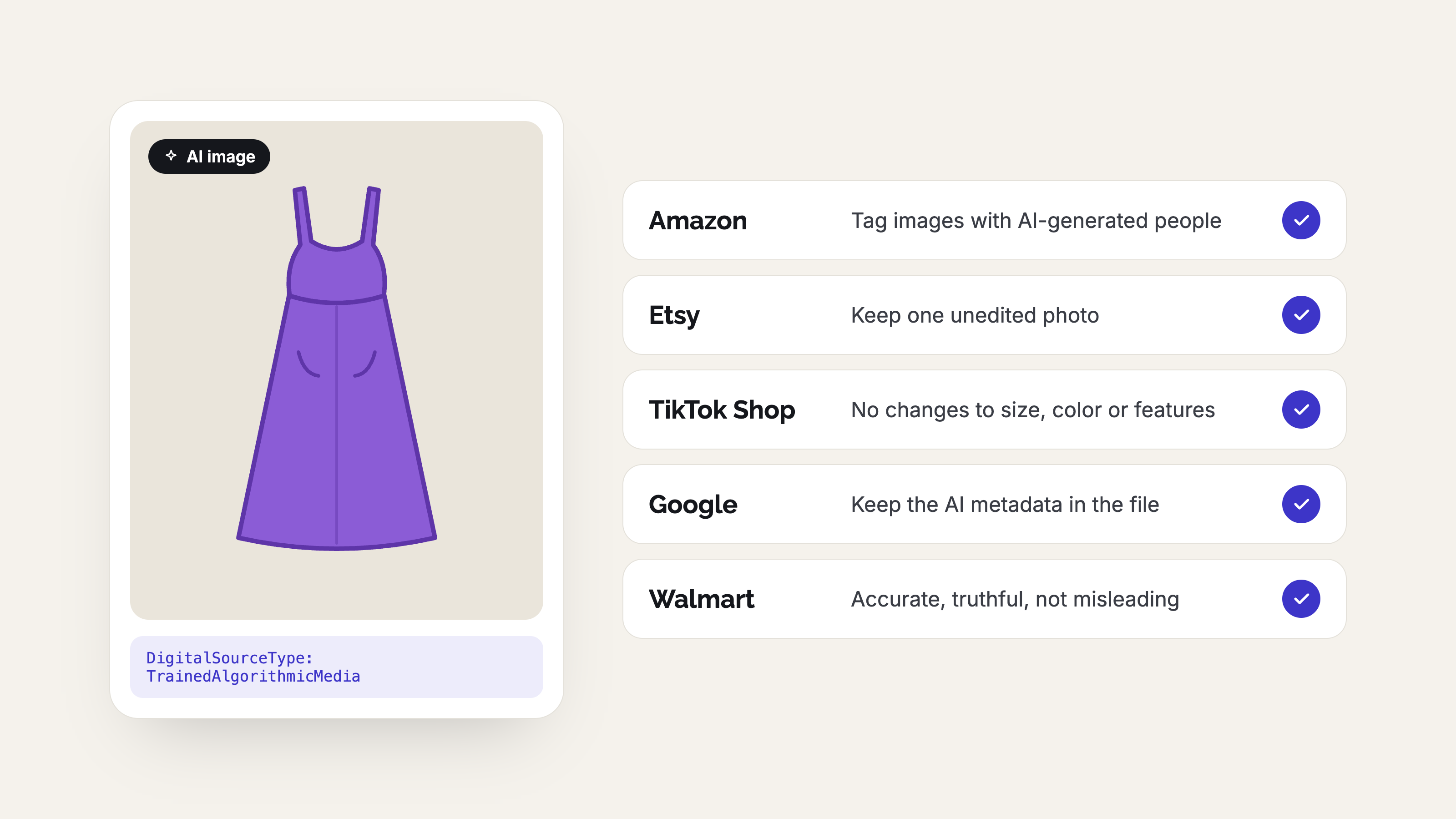
AI Product Photo Rules for Every Marketplace (2026)
No major marketplace bans AI product photos, but each has its own rules on accuracy, labels and metadata. See what Amazon, Etsy, eBay, Walmart, TikTok Shop, Google, Meta, Pinterest and Shopify expect before you list.