
Best AI Tools for Dropshipping in 2026, by Job
AI dropshipping tools grouped by the job they do, with starting prices, a near-free starter stack, and what to skip until you have sales.
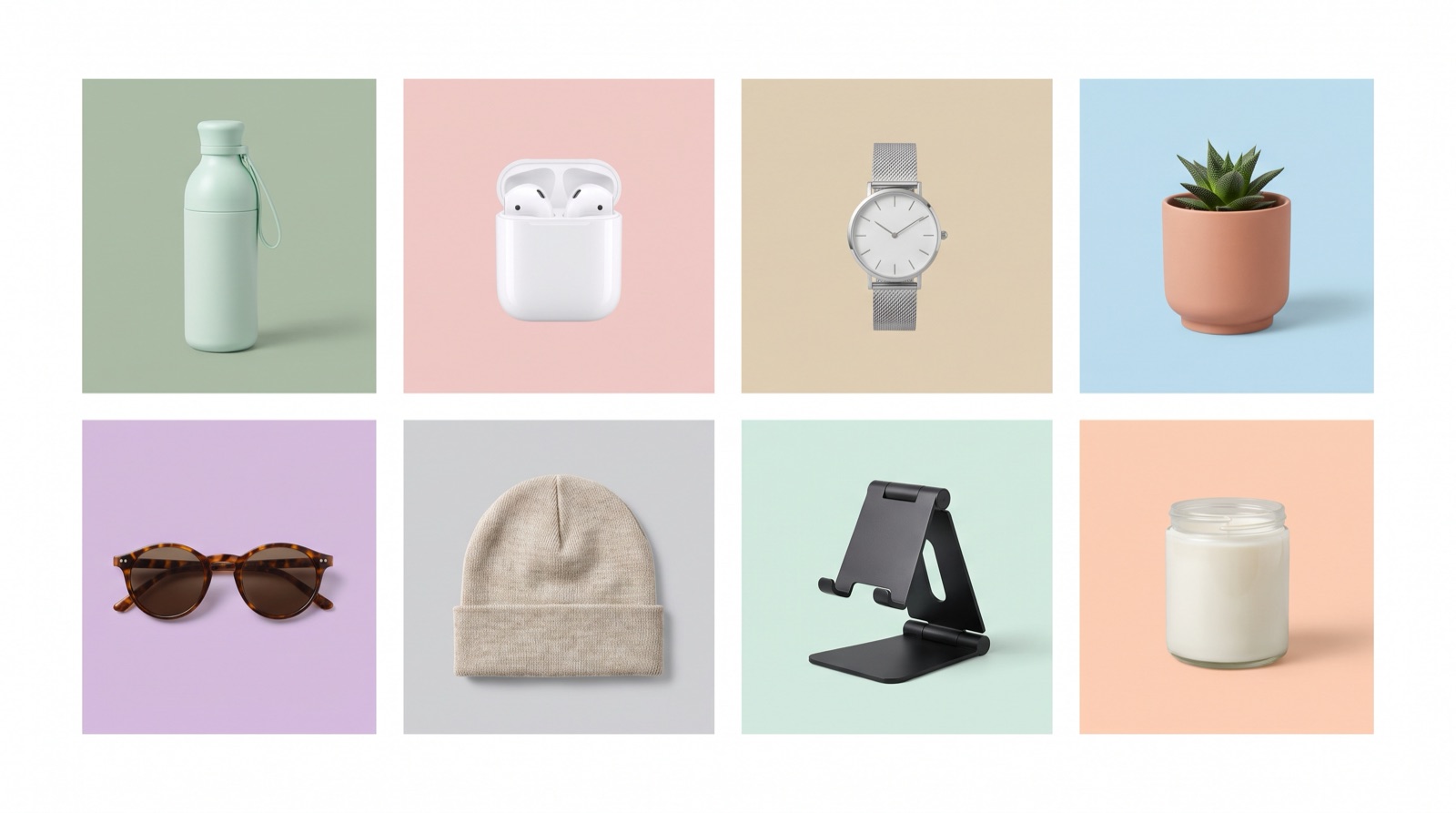 The best AI tools for dropshipping depend on the job: a research tool such as Sell The Trend or Minea, an importer such as DSers or AutoDS, MerchantFloor's AI product descriptions and photography tools for listings, Canva for ad graphics, and a support chatbot later on. Most new stores need two or three of these, not ten.
I've grouped the tools below by the job they do, with the starting prices listed on each tool's site or in a recent roundup, so you can see what a working stack costs before you sign up for anything. Prices change often, so check before you pay. If you're new to the model, start with the AI dropshipping guide.
What do AI tools for dropshipping do?
They speed up the five jobs every dropshipping store has: finding products, importing them and syncing orders, writing and shooting the listings, making ads, and answering customers. No single tool does all five well. The all-in-one apps that do try usually do the importing well and the rest at a basic level.
Which AI dropshipping tools are best for each job?
Job | Tools to look at | Starting price | Free option | Buy it when |
|---|---|---|---|---|
Product research | Sell The Trend, Minea | Sell The Trend $49.97/mo; Minea $49/mo | Sell The Trend 14-day trial | You're picking your first products or testing new ones |
Importing and orders | DSers, AutoDS | DSers $19.90/mo; AutoDS $0.99 3-day trial | DSers Basic plan is free | Day one |
Listing photos and copy | Shopify Sidekick, ChatGPT, MerchantFloor | ChatGPT Plus $20/mo | Sidekick features in the Shopify admin; ChatGPT free plan; MerchantFloor free credits | Before you spend on ads |
Ad creatives | Canva, Meta Advantage+ creative, Creatify (video) | Canva Pro about $18/mo; Creatify from $10/mo billed yearly | Canva free plan; Meta's AI tools in Ads Manager; Creatify free plan (watermarked) | When you start running ads |
Customer support | Gorgias AI Agent and similar | About $0.90 per resolved conversation, plus a helpdesk plan | Saved replies in your inbox | When the same questions come in every day |
Prices are from Sell The Trend, Minea, DSers, AutoDS and ChatGPT and Creatify pricing pages, checked November 2026, and from Rework's July 2026 roundup for Canva and Gorgias.
Product research: Sell The Trend and Minea
Research tools show you what's selling and what ads are running. Sell The Trend combines product research with supplier and store tools, and its Essential plan is $49.97 a month with a 14-day free trial (a card is required). Minea is built around ad research, with plans from $49 a month.
Both are useful for picking products, but everyone else using the same tool sees the same trending list. Use one for a month while you choose products, then cancel until you're ready to test more. You don't need two.
Importing and order sync: DSers and AutoDS
This is the one job you need from day one. DSers has a free Basic plan that covers up to 3,000 products and 500 imports a day, with paid plans from $19.90 a month for automatic price and stock updates. AutoDS does more automation and lists an AI title and description generator and an AI store builder among its features, with a $0.99 three-day trial.
If you sell mainly from AliExpress and want to spend nothing, start with DSers. If you want more automation across suppliers, try AutoDS. Either way, the product text and photos they import are the supplier's, and so is every other store's copy of that product.
Listing photos and copy: Sidekick, ChatGPT and MerchantFloor
This is where AI saves the most time, and where most stores skip the work. Shopify's own assistant, Sidekick, can write product descriptions and edit images from a text prompt inside the admin, and many of its features come at no extra cost. ChatGPT has a free plan and a $20 Plus plan, and is fine for rewriting one description at a time if you paste in good product details.
Both get slow at volume. Rewriting 40 imported products one chat at a time, then copying each one into Shopify, can take a whole evening. MerchantFloor is built for that part: it rewrites the copy and fills the SEO fields in bulk, and makes new product and on-model images from the supplier's photo.
Shopify's help docs say AI outputs can contain errors, so review them. That applies to every tool here, mine included. Check sizes, materials and anything you can't confirm from the supplier.
Ad creatives: Canva, Meta's built-in AI and Creatify
Canva's free plan covers most ad graphics a small store needs, and Pro is about $18 a month if you want brand kits and background removal.
If you advertise on Facebook and Instagram, try the AI tools already in Meta Ads Manager before paying for another one. Meta's Advantage+ creative can write text variations, expand an image to fit more placements and generate new backgrounds for product images. Meta also says advertisers are responsible for previewing AI-generated creative before the ad runs.
Once image ads are working and you want to test video, Creatify turns a product URL into short video ads with AI avatars. Its free plan gives you 10 credits a month, enough for up to 2 video ads, with a watermark, and paid plans start at $10 a month billed yearly.
Whichever tool you use, test your product with simple image ads first. The better your listing photos, the less you need a separate ad tool. To get lifestyle or on-model shots to test against plain product photos, a lifestyle image generator can make them from the product photo you already have.
Customer support: wait until the questions repeat
An AI support agent is the last tool to buy. Gorgias's AI Agent is priced at about $0.90 per resolved conversation on top of a helpdesk plan. Until you're answering the same shipping question every day, saved replies in your email inbox do the job for free.
Which AI tools for dropshipping do you need when you're starting?
A working starter stack can cost close to nothing:
DSers Basic (free) to import products and sync orders
MerchantFloor, Shopify Sidekick, or ChatGPT's free plan for first-draft descriptions
Canva's free plan for ad graphics
One research tool on a free trial while you pick products, cancelled before it bills
Add paid tools one at a time, only when a job is eating hours every week. For the store side of getting started, see these dropshipping tips for a profitable store.
What should you skip?
Two research tools at once. They show you largely the same products.
"Store in five minutes" builders sold as a full business. They give you a theme and imported products, and you still need your own photos, copy and ads.
Video ad generators before you've had a sale. Test with image ads first.
Any tool that promises a daily income figure. A tool can't make a product sell.
How do you fix supplier photos and copy with AI?
This is the job most stores skip, and it's the one that makes your listing look different from every other store selling the same product.
Pick your top 10 products. Start where traffic or ad spend is going.
Replace the main photo. Remove the supplier's watermark or busy background and put the product in a clean or styled scene. You can do this in a free editor, or with an AI product photo studio using a preset scene, a text prompt or a reference image. For more on this step, see how to take product photos for dropshipping.
Rewrite the description. Cut the supplier's keyword-stuffed text, keep the specs you can verify, and write for your buyer. The supplier description rewrite steps walk through this.
Fill the SEO fields and alt text. Most imported products have none. Fill them by hand in the Shopify admin, or let a listing tool fill every field and review the result.
Check the page on your phone. Most of your traffic will see it there. For more fixes once the listing is up, see these tips to improve your product page.
Checklist: before you pay for an AI dropshipping tool
I can name the job this tool does and how many hours a week it saves me
I'm not already paying for a tool that does the same job
I've used the free plan or trial on real products, not demo data
I know when the trial bills and have a reminder set
I'll review its output before it goes live
The monthly cost makes sense at my current sales, not the sales I hope for
I built MerchantFloor for the listing job: replacing supplier photos and copy so a product looks like it belongs to your store. If you're on Shopify, the app publishes the new images, descriptions and SEO fields straight to your products. If you sell somewhere else too, the download option lets you take the same assets to any storefront, marketplace or ad account. You can try it on free credits before deciding whether it earns a place in your stack.
Frequently Asked Questions
Share this article
Related Articles
AI Dropshipping: How to Run a Store with AI Tools (2026)
AI dropshipping means using AI for the repetitive jobs in a store. Here's what it can do at each step, where it falls short, and how to start.
Flat Lay vs Ghost Mannequin vs On-Model: Which to Use
Which photo format should a small clothing or jewelry brand use? What flat lay, ghost mannequin and on-model photos show, what they cost and where AI fits.
Why Ecommerce Brands Should Blog (and How to Start)
Should your store have a blog? Three reasons it pays off, what Google says about AI search, 30 topic ideas, and how to draft your first post.